If Sparrow 2.5.6 opens a blank white window on Mac, shrink it first. See when a one-time launch option can restore the larger wallet window.
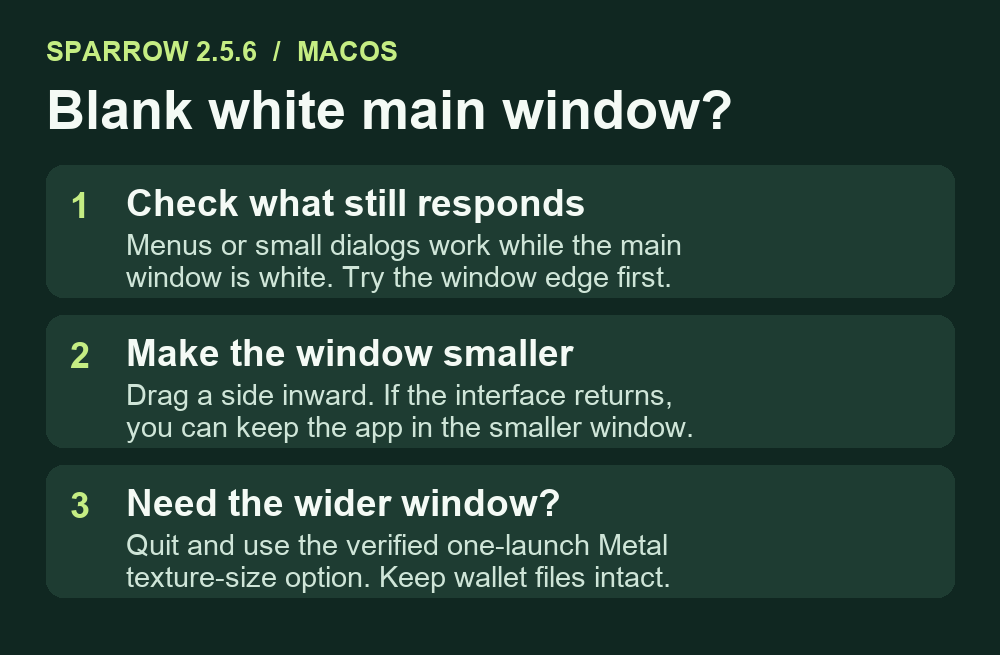
After updating to Sparrow 2.5.6, a Mac Studio user could open menus and small dialogs, but the main wallet window turned white. If the app still responds, try making the Sparrow window narrower before changing any wallet or node settings. The reporter saw the interface return as soon as the window was small enough. If you need the wider window, the same report confirms a temporary launch option that keeps the default renderer.
Resize the white window before quitting
Leave full-screen mode if necessary, then drag a side of the window inward. If the window is unusually tall, reduce its height too. On the reported ultrawide setup, the wallet view appeared while the user was still resizing. Keeping the smaller window is enough if you only need the app to display normally.
Sparrow's maintainer reproduced the problem on JavaFX 27's Metal renderer. In that version, a window that exceeded the default 4,096-pixel texture limit in either direction could render blank. Display scaling can make the number of pixels larger than the size you see in macOS window coordinates. A working menu and a white main window can therefore coexist. Sparrow bundled JavaFX 27.0.1 in 2.5.6, and OpenJFX documents the move to Metal.
Launch Sparrow once with room for a wider window
If resizing brings the UI back but you need the larger window, quit Sparrow completely with Command-Q. For the official app installed in Applications, open Terminal and run this line from the maintainer's workaround:
JAVA_TOOL_OPTIONS=-Dprism.maxTextureSize=8192 /Applications/Sparrow.app/Contents/MacOS/Sparrow
This raises the texture limit for this launch while keeping Metal. The original reporter confirmed the main window drew correctly on their ultrawide monitor. A normal launch later uses the default settings again. If Terminal says the executable does not exist, check where the official app is installed. This command uses the existing app and has no download step.
If shrinking never restores the interface
If the whole app quits or small dialogs are blank too, the observations differ from this report. Leave your wallet files intact and check Sparrow's official release notes and issue tracker for the symptom you actually see. Use the official download and verification page for a newer release. Version 2.5.6 was current when this guide was checked. If the window renders normally but the node connection fails, follow the separate macOS local-network connection checks.
Official sources
Product interfaces and recovery policies can change. Confirm the current steps before acting.