MetaMask shows 4100 after a connected site adds a network? Check the earlier request, reconnect that site, and confirm the account and network.
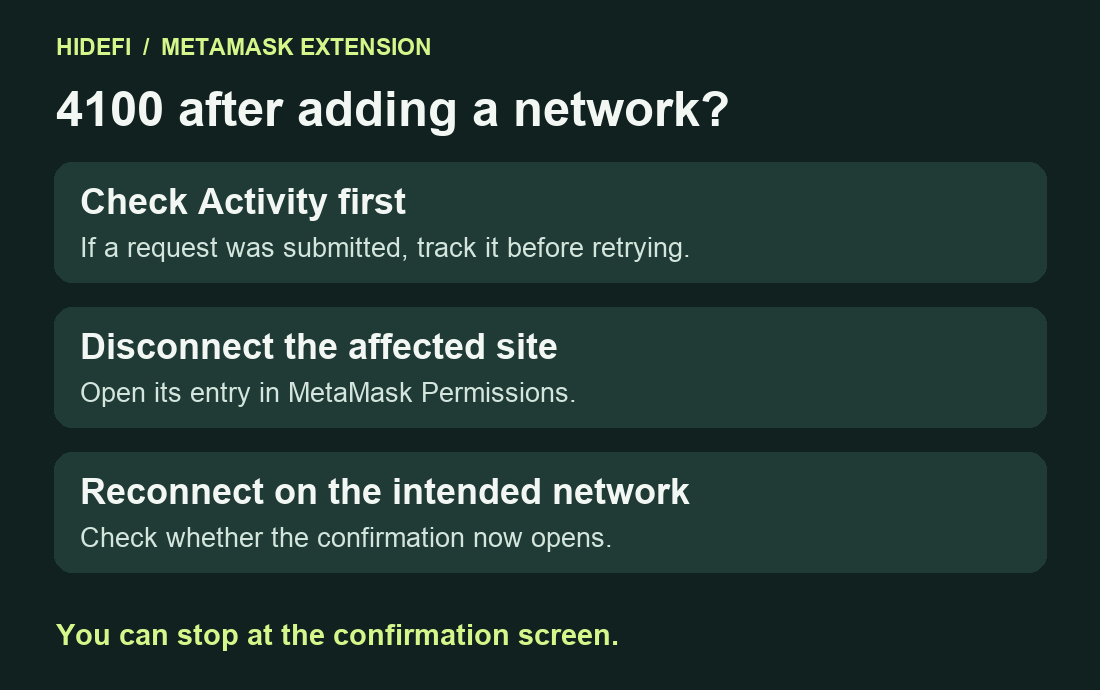
A MetaMask Extension user added a network from a site that was already connected. The site still showed their account, but a transaction request returned 4100 before MetaMask opened a confirmation. In the reported 13.55.0 case, disconnecting that site and connecting it again restored its access on the new network. Check that the same sequence happened to you before trying it. MetaMask issue #47773.
Check when the 4100 error appeared
Look for three clues. The site was connected on a network you already used. It then asked you to add and switch to another network. The first transaction request on that network failed without opening a confirmation. Error 4100 means the wallet did not authorize the requested account or method. A connected-account label can still appear on the site while the request fails on the new network. Ethereum provider error codes, reported reproduction.
Check Activity for the intended account and network. If a transaction was already submitted, track that request before sending again. MetaMask pending transaction checks.
Reconnect the one site in MetaMask
Open the official site you intended to use. In MetaMask Extension, open the top-right menu and choose Permissions. Select that site. Use the exit icon in the top-right corner and confirm Disconnect. This clears the site's wallet connection. Any existing on-chain token allowances are managed separately. MetaMask’s disconnect instructions.

Return to the same site and use its wallet connection button again. Review the site and account in the MetaMask prompt. Check that MetaMask is on the intended network afterward. If the site needs an account you did not select, review that site's entry in Permissions. MetaMask’s permission controls.
Check whether the confirmation opens
If you are sure the earlier request did not submit, repeat the intended action up to the point where MetaMask shows the transaction details. Reaching that confirmation shows that the original pre-confirmation rejection cleared. You can close it there. If 4100 returns, note the extension version, selected network and when it started for MetaMask Support. Issue #47773 remained open at review, and its reproduction applies to the network-add sequence above. Issue status, MetaMask Support.
Official sources
Product interfaces and recovery policies can change. Confirm the current steps before acting.