Backpack update opens an unavailable Play Store? Keep a working wallet installed, check official download routes, and secure your backup before reinstalling.
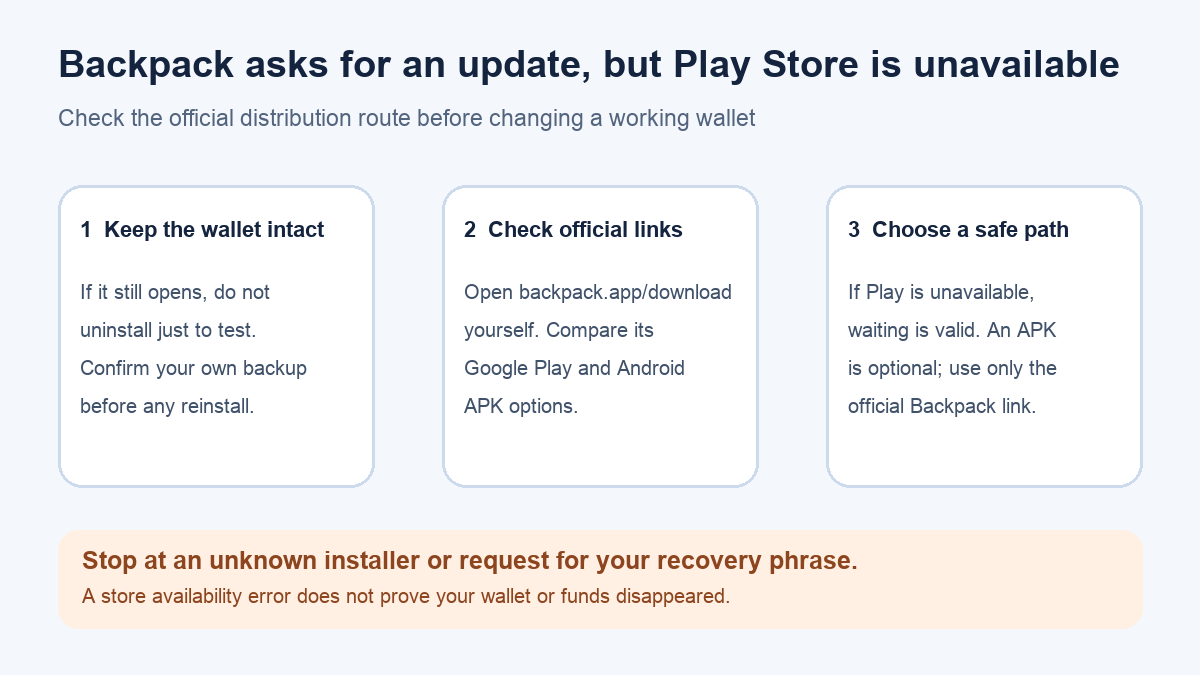
A Backpack Android user reported a confusing update loop: the wallet asked for an update, but its button opened a Google Play page where the app was unavailable. Their wallet still opened. Do not remove a working wallet to test the store link. Check the current official Backpack download page directly; it lists both Google Play and an Android APK option. Whether either option works for you depends on your device and region, so a missing store listing does not by itself diagnose the wallet or its funds. The report did not name an app version, and it does not prove that Play is unavailable in every region today.
Does your Backpack wallet still open?
If it does, keep it installed while you check the source of the update. A store availability message concerns the distribution route, not an onchain balance check. In the first-hand report, the user said the wallet still worked and later chose to wait for the Play listing rather than change a working setup. That is a reasonable branch when no immediate update is required for the task at hand; it is not a promise that the listing will return on a particular date.
Before any reinstall or move to another device, confirm that you have the correct wallet recovery material stored securely offline. Backpack's wallet loading guide explicitly warns users to have their seed phrase or private keys available before reinstalling. Do not type them into a website, a message from “support,” or a downloaded installer. If you do not know how the wallet would be restored, stop before uninstalling.
Where should the Android update link lead?
Open backpack.app/download yourself in a browser, or reach it through Backpack's official downloads documentation. At the time of this review, that page presents Google Play and Android APK as separate official Android routes. The crop below is a read-only capture of the official download page; it does not show the Play Store state in your region.
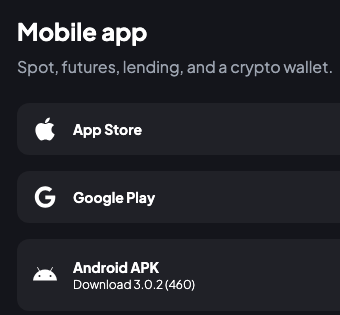
If the Play option opens an unavailable listing, that alone does not tell you whether the cause is region, device compatibility, temporary availability, or an outdated in-app link. Check the live official page rather than a search ad or a URL sent in a direct message. A Reddit commenter relayed a region explanation, but that is not an official statement we verified and should not be treated as the cause of your case.
Should you use the APK or wait?
The official APK link is an alternative only if you are comfortable installing Android apps outside Play and can verify that you reached it from Backpack's own domain. The official downloads page links to that route; it does not say that every user should take it. An APK changes how you obtain and update the app. If your wallet still works and you are unsure of your backup or the installer origin, waiting and contacting official Backpack support is the safer next action. Never use an APK from a mirror, search ad, chat, or direct message.
If the app no longer opens, the problem is different: follow Backpack's wallet-not-loading guide for Android. It starts with updating and force-closing/reopening the app and places reinstalling after those checks, with the recovery-material warning. Do not substitute an exchange-account password for a self-custody wallet's recovery material; the steps protect different things.
The practical result of these checks is a decision you can verify: the wallet still opens, so keep it intact while you use an official update route or wait; or it does not open, so follow the official loading path without uninstalling until recovery is secure. Neither path requires sharing a seed phrase with HideFi or anyone offering help by DM.
Official sources
Product interfaces and recovery policies can change. Confirm the current steps before acting.