Thinking of deleting MetaMask on iPhone? The on-chain account remains, but check your recovery method and imported accounts before removing the app.
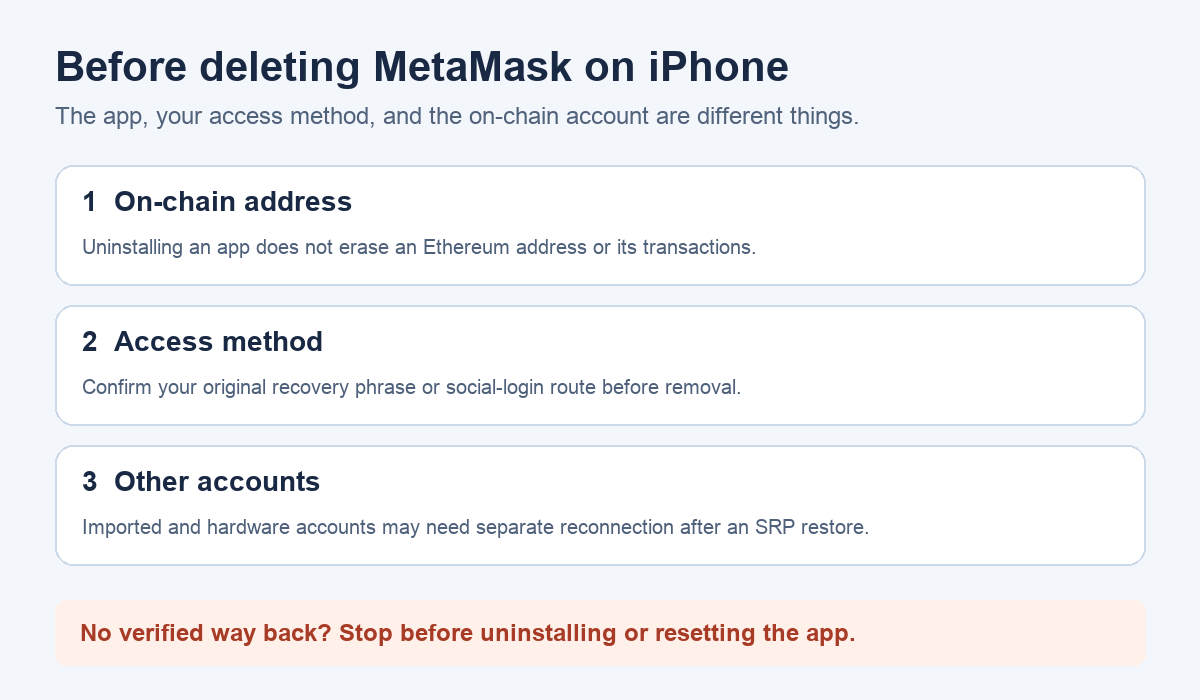
A MetaMask user with an iPhone login error asked whether deleting and reinstalling the app would make their crypto disappear. Their warning about lost local data sounded like a warning about the coins themselves. Deleting MetaMask Mobile does not erase an Ethereum address or its on-chain balance, but reinstalling can leave you unable to access an account if you have not verified the correct way back.
What disappears when I delete the iPhone app?
MetaMask's delete-wallet guide distinguishes its software from the accounts it manages: uninstalling the mobile app removes the app from the phone, while an Ethereum account remains on-chain. The blockchain does not have a delete button for that account. That is the reassuring part of the answer.
The dangerous part is access. A public address still existing does not prove that a newly installed app will control it. The person in the original question was reacting to a local-data warning; the warning should prompt a backup check, not a guess about where the funds live. Do not uninstall to test a recovery phrase you have not checked, and do not send that phrase to anyone offering to verify it.
Which access method did you use originally?
Before changing the installation, identify whether you created this MetaMask wallet from a Secret Recovery Phrase (SRP) or used MetaMask's Google, Apple, or Telegram login. MetaMask's restore-deleted-wallet guidance describes these as different return routes. If you used an SRP, confirm that your offline backup is the correct one for the wallet you intend to restore. If you used social login, confirm you still control the same login account and remember the MetaMask password you set. A phone passcode or the ability to see an old public address is not, by itself, the recovery method described there.
If you cannot verify your route back while the current installation is still accessible, stop before deleting it. MetaMask notes that losing the app without the correct recovery method can prevent you from reaching the wallet again. Never enter an SRP into a website, support chat, or someone else's "recovery" tool.
Are all the addresses in that app from the same wallet?
This is the detail missing from many quick replies. MetaMask's missing-accounts guidance says an SRP restore brings back accounts derived from that SRP; accounts imported with another private key or JSON file and hardware-wallet accounts do not simply become part of that phrase. Some created accounts also need to be re-added to show up, depending on backup-and-sync settings. Social-login wallets have different syncing behavior, with hardware wallets still separate.
While you still have access, note the public addresses you expect to see and how each was added. Keep secrets offline. If you later restore and one address is missing, compare the public address and account origin before assuming the coins vanished. Our missing MetaMask accounts after restore guide covers that separate diagnosis. A missing token display may also be a network or token-list issue, not an erased on-chain balance.
So is reinstalling safe for my case?
It is only a reasonable next step once you know the correct recovery route for every account you need, and you understand that local settings or displays may have to be rebuilt. The official restore guidance explains how to return after removing the app; use the official app and help pages, not links sent by strangers. If you are still locked out and cannot confirm a backup, stop and use MetaMask's official support channel before removing the last working installation. Uninstalling cannot delete an Ethereum account, but it also cannot create a missing recovery method.
Official sources
Product interfaces and recovery policies can change. Confirm the current steps before acting.