Got an unexpected MetaMask email? Check your own ticket or subscription, inspect its sender and request, and verify independently before clicking any link.
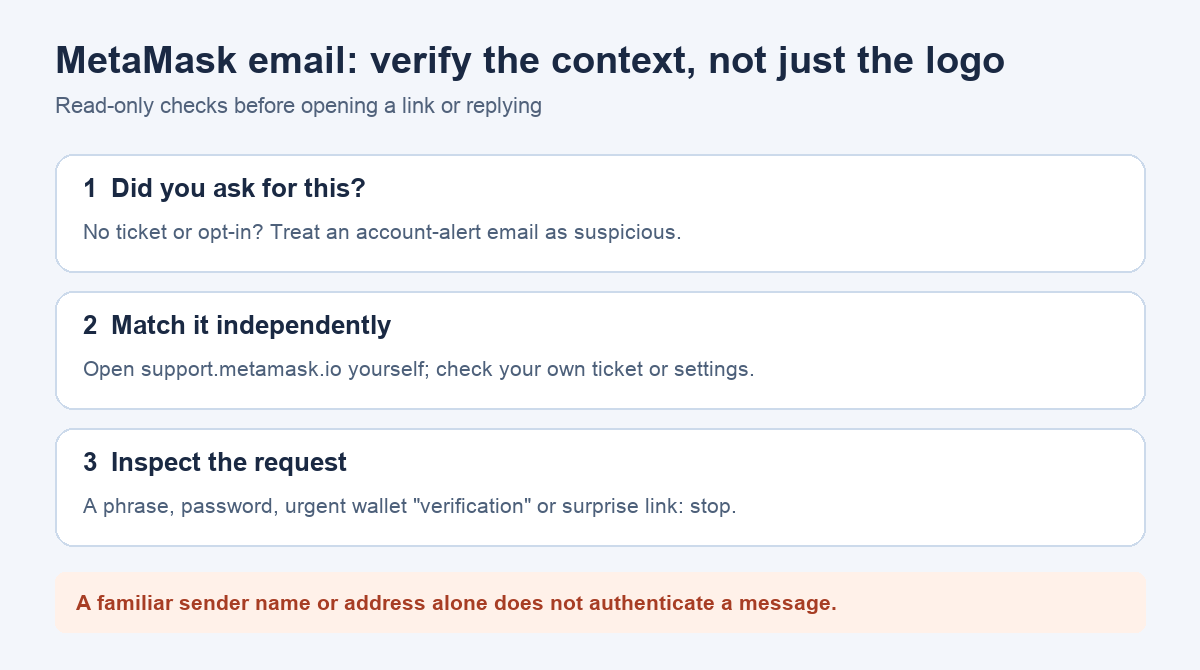
A MetaMask user once asked whether an unexpected email was a scam even though its apparent sender looked familiar. That is exactly the trap: a logo or a displayed From address is a clue, not proof. If you did not open a support ticket or opt in to a MetaMask-related mailing list, treat an unexpected wallet warning as suspicious and do not use its links.
Did you start the conversation?
MetaMask's current email guidance says creating or unlocking a wallet—even with Google or Apple login—does not trigger a confirmation email. MetaMask also says it does not initiate ordinary account-support emails. A message claiming that your wallet must be verified, restored, or upgraded therefore does not fit normal wallet use. Do not reply, enter a password or recovery phrase, connect a wallet, or sign anything to "check" it.
There are real exceptions, which make the old blanket advice that "MetaMask never emails" too simple. If you opened a support chat and an agent escalated it to a ticket, the team may follow up by email. People who opted into MetaMask Community notifications or marketing updates may receive those too; MetaMask Card has separate provider messages. Match the message to an action you actually took, rather than assuming every email is fake or every familiar-looking one is safe.
Does the claimed sender and purpose match?
Open the full sender details in your email app instead of trusting the display name. Compare the address and the type of message with MetaMask's current list of sending addresses and purposes. The list can change, so check the live page rather than a copied list in an old forum reply. A mismatch is a strong reason to stop. A match does not by itself authenticate the email: the content, your own ticket or subscription history, and the destination of any request still matter.
For a support follow-up, ask yourself whether you recently contacted MetaMask through its help site and whether this message refers to that same case. If you did not, do not use the email's link to create a ticket retroactively. Open support.metamask.io by typing it yourself and use its Contact Support route.
Could this be a Community notification?
If you created a MetaMask Community account, check that account's notification preferences by navigating to the Community site independently. MetaMask's help article includes this older example of the Community Preferences → Emails area; the current layout may differ. The screenshot illustrates where a subscribed user could check their own setting. It does not authenticate a particular email.

What if the email asks me to act urgently?
An instruction to provide your Secret Recovery Phrase, wallet password, or Google or Apple credentials is not legitimate MetaMask support, according to its email guidance. The same page warns about pressure to "verify" or "upgrade" a wallet. Stop at the request itself; you do not need to click through to prove that it is unsafe.
If you only received the message, ignore its links and verify any genuine ticket or subscription through the site you open yourself. If you entered a recovery phrase or see an unauthorized transaction, follow MetaMask's compromised-wallet guidance immediately; a report cannot reverse a confirmed transfer. If you clicked but did not disclose a secret or sign, ask official support through a site you open yourself about your specific exposure. Our MetaMask scam-report guide covers the separate reporting step. No email or support agent should ask you to share a recovery phrase.
Official sources
Product interfaces and recovery policies can change. Confirm the current steps before acting.