Forgot your MetaMask password? Check whether you used a recovery phrase or social login, and protect imported accounts before resetting anything.
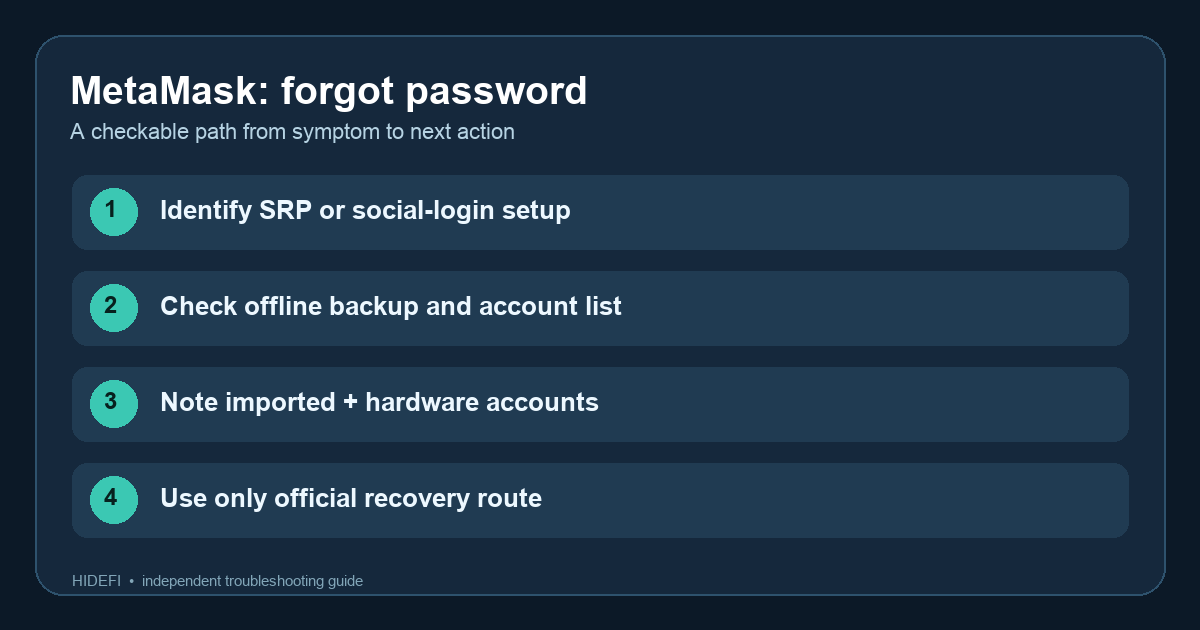
A MetaMask Mobile user described forgetting the app password while Face ID still opened the wallet. That is the moment to slow down: a working unlock method may be your chance to check the backup before you lose access to this installation. The next step depends on how you created the wallet. A wallet set up with a Secret Recovery Phrase (SRP) can use that phrase to set a new local password. A wallet set up with Google, Apple, or Telegram follows different rules; the social account alone does not reset a forgotten password.
First, is MetaMask still open on any device?
If the app still opens, record the public addresses you expect to see and confirm which accounts came from your main SRP, another SRP, an imported private key, or a hardware wallet. Keep recovery material offline and private. Do not log out or uninstall the only working instance while you are still checking this. The official password guide warns that an SRP reset does not automatically bring back accounts imported from a separate key or hardware device, although Backup and Sync can restore some additional accounts and wallets.
On a social-login wallet, MetaMask says Mobile biometrics may let you enter and reset the password while still logged in. That is a useful branch if Face ID or another enabled biometric unlock still works. Check the current app and official instructions before touching another device.
Did you set up MetaMask with a recovery phrase?
With an SRP-based wallet, the password protects this installation; the SRP is the recovery method. If you have verified your own SRP backup, MetaMask's current reset instructions say to lock the extension (or log out on Mobile), choose Forgot password, enter the SRP in the official app, and create a new password. Do not use a link from a direct message or type the phrase into a website or support chat.
The check after restoring is the address list, not just whether the new password works. If one account is absent, compare it with the public address you recorded. It may be an imported or hardware account that must be added by its separate method. Our guide to MetaMask accounts missing after restore explains that distinction. Never enter a hardware wallet's recovery phrase into MetaMask.
Did you sign up with Google, Apple, or Telegram?
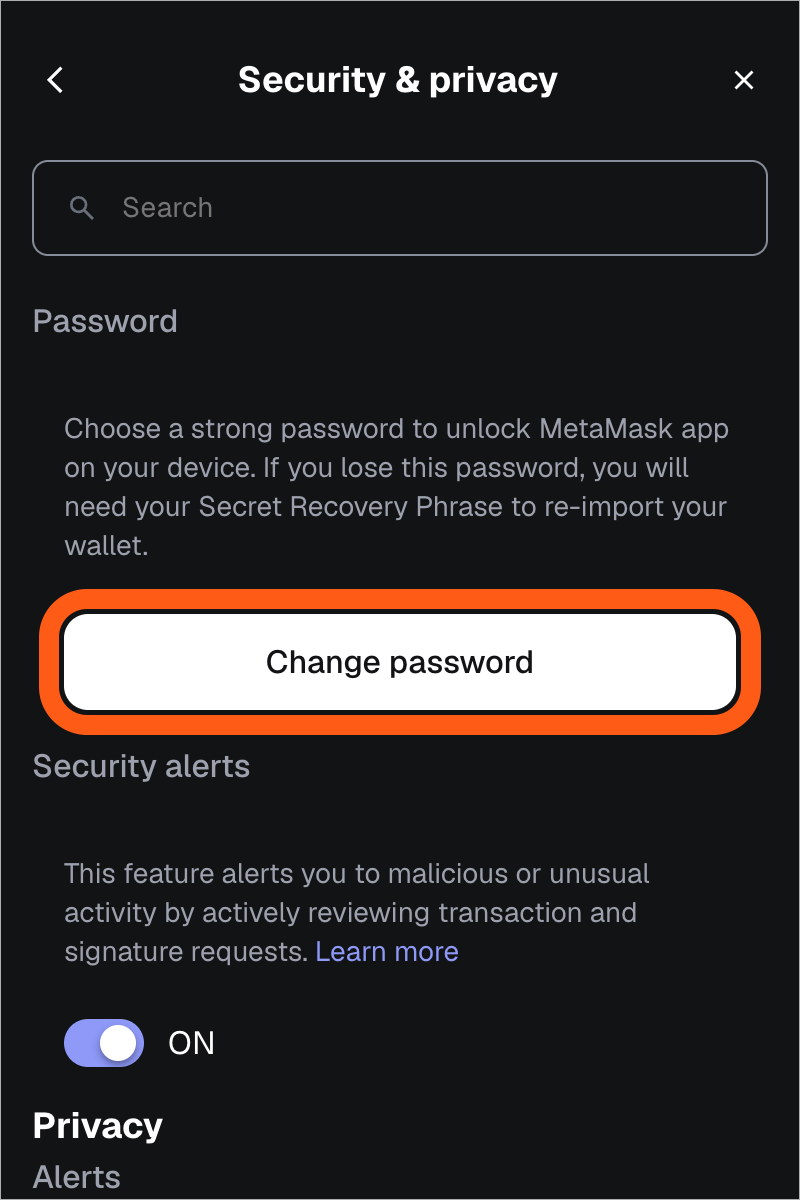
This path is easy to mistake for an ordinary email password reset. MetaMask says that if you know the current password and are logged in, you can use Settings → Security and privacy → Change password. The change affects other MetaMask instances, too. The official screen below shows where that option appears, but it is not a way to bypass a forgotten password.
If you are locked out and do not know that password, MetaMask says it cannot reset the social-login password for you. A separately saved SRP may let you access the wallet in a new instance, but that does not restore the old Google, Apple, or Telegram login and password relationship. If you have neither a working unlock nor the right recovery material, do not delete the existing installation in the hope of a support-side reset. Use only MetaMask's official support entry point for help identifying your situation, and never share an SRP or private key.
The safe result is to match the restored public addresses to your own list. A password prompt alone cannot tell you whether every imported account is back.
Official sources
Product interfaces and recovery policies can change. Confirm the current steps before acting.