MetaMask rejects your recovery phrase during restore? Safely check the written words and entry format, then see what a successful restore proves.
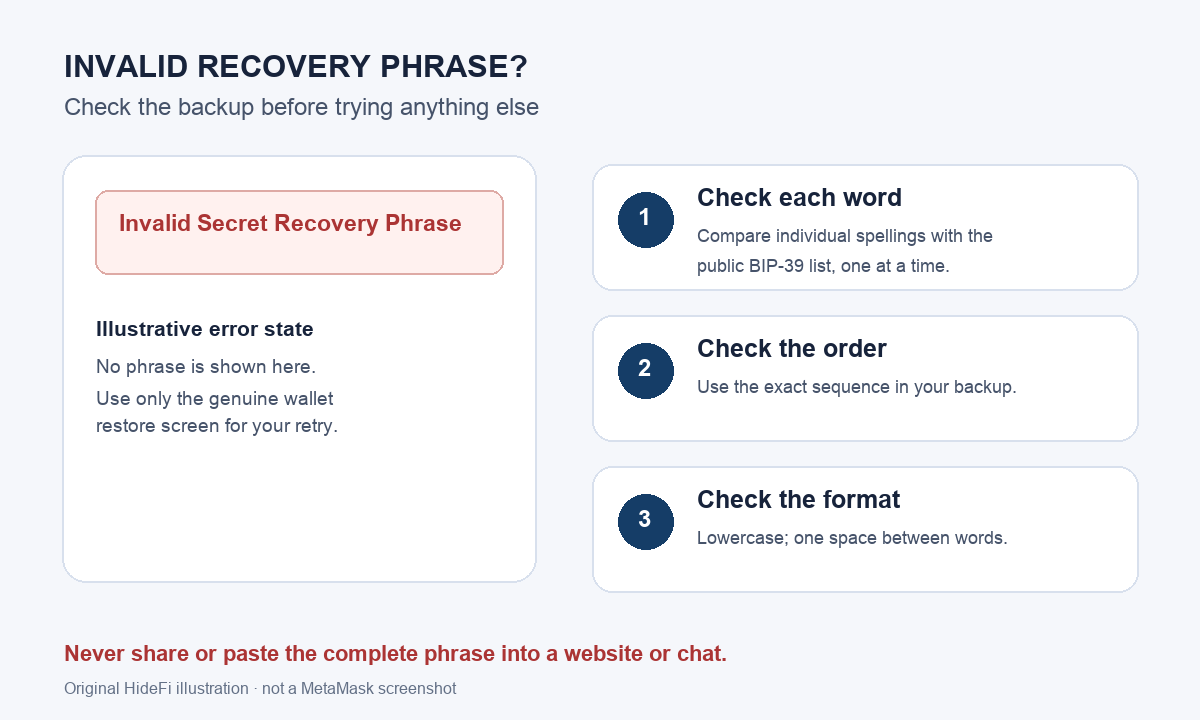
A MetaMask user described moving to a new phone and seeing ‘invalid secret recovery phrase’ despite having the words on paper. The message is alarming, but it does not identify which part of the backup is wrong. First check each recorded word and its order privately; then retry only inside the genuine MetaMask app or extension. Do not put the whole phrase into a checker website or send it to anyone.
Is one word different from what you recorded?
Start with the paper or other private backup, not a phrase typed into a search box. MetaMask's current invalid-phrase guide points to the public BIP-39 English word list for checking individual word spellings. Open that list and search for one recorded word at a time. Search only a single word; never paste the entire phrase into a browser, chat, form, or recovery tool. A word missing from the list is a clue to recheck your handwriting or transcription against your own original backup. A word being on the list does not prove the complete phrase is correct.
If another MetaMask installation still opens, keep it intact while you check the backup. Do not uninstall the only working copy just to experiment with restoration. Work from your own records and never give the phrase to someone offering help.
Are the words in the original order and format?
If the spelling looks right, compare the sequence with the original backup. MetaMask says the words must be in the exact order provided, in lowercase, with one space between words. A list copied down in columns can be easy to read in the wrong direction; compare positions on the backup instead of rearranging words by guesswork. When you retry, use the restore flow in the genuine app or extension and enter only your own phrase there. The illustration at the top separates these checks so you can stop at the first mismatch.
What if it still says invalid?
Stop repeating random word combinations. The error still gives no safe way to infer a missing word or reconstruct an uncertain phrase. Keep any device that still opens, compare your private backups, and use MetaMask's official support page if you need help identifying the error. MetaMask says its support team cannot look up your phrase and will never ask for it. Ignore direct messages offering a ‘recovery’ service.
If MetaMask accepts the phrase but the familiar address or funds are absent, you have moved to a different diagnosis: the phrase passed the restore step, and you now need to compare accounts and their origins. Follow our MetaMask accounts missing after restore guide for that check. Acceptance alone does not prove that every account previously visible in your app came from this one phrase.
Official sources
Product interfaces and recovery policies can change. Confirm the current steps before acting.