Find out whether the transaction is still pending on-chain, then choose the right MetaMask action for that state.
First, check the transaction status
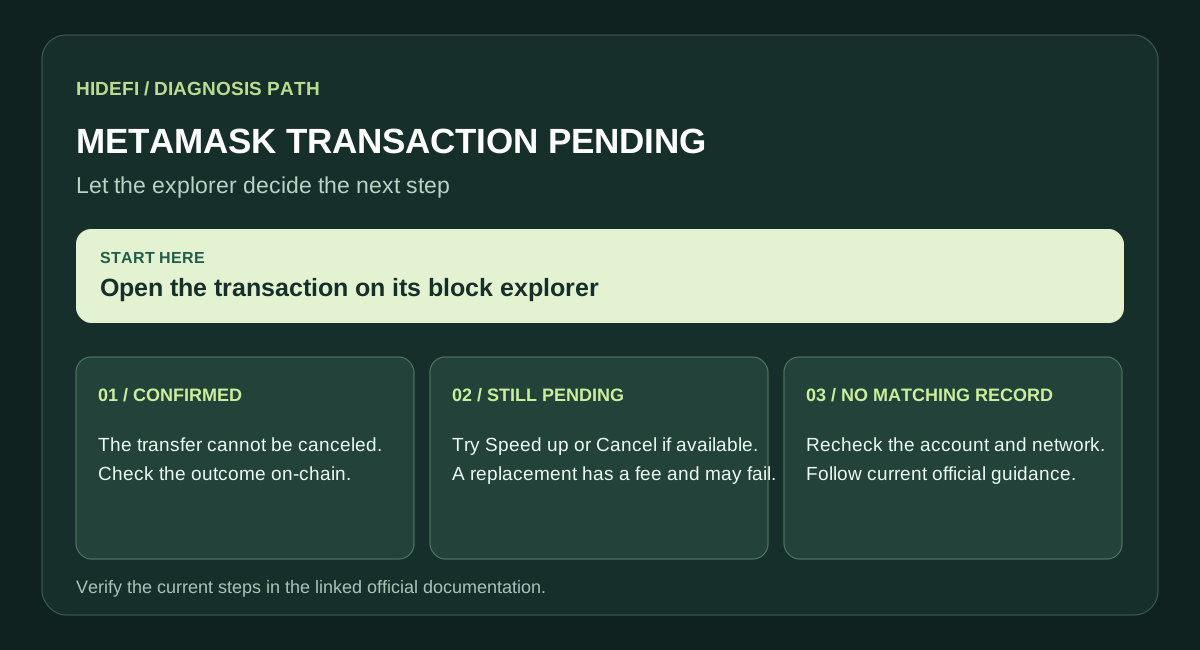
Open the transaction in MetaMask and follow its block explorer link. If the explorer says confirmed, the transfer cannot be canceled. If it says pending, you can try to speed it up or cancel it. If there is no matching on-chain transaction, check that you are viewing the correct account and network before doing anything else.
If it is still pending
In supported versions of MetaMask Extension, open the transaction detail view and choose Speed up to resubmit the same transaction with a higher network fee. MetaMask documents the current speed-up and cancel flow. Choose Cancel if you want to attempt to replace it instead. Both actions involve a network fee, and neither guarantees that the replacement wins if the original confirms first. The current MetaMask interface may put these controls in a transaction notification rather than on the older activity screen.
If several transactions are queued
Deal with the oldest pending transaction first. Later transactions from the same account may be blocked by its nonce. Do not repeatedly submit new transfers while the earlier one is unresolved.
When to stop
If the explorer already shows a confirmed transaction, stop trying to cancel it. If MetaMask has no matching explorer record, or the controls fail, use MetaMask's official troubleshooting instructions and provide support with the public transaction hash. Never share your Secret Recovery Phrase or private key.
Official sources
Product interfaces and recovery policies can change. Confirm the current steps before acting.