MetaMask cannot connect to the blockchain host? Check the selected network and provider status, restart safely, then verify a custom RPC if you use one.
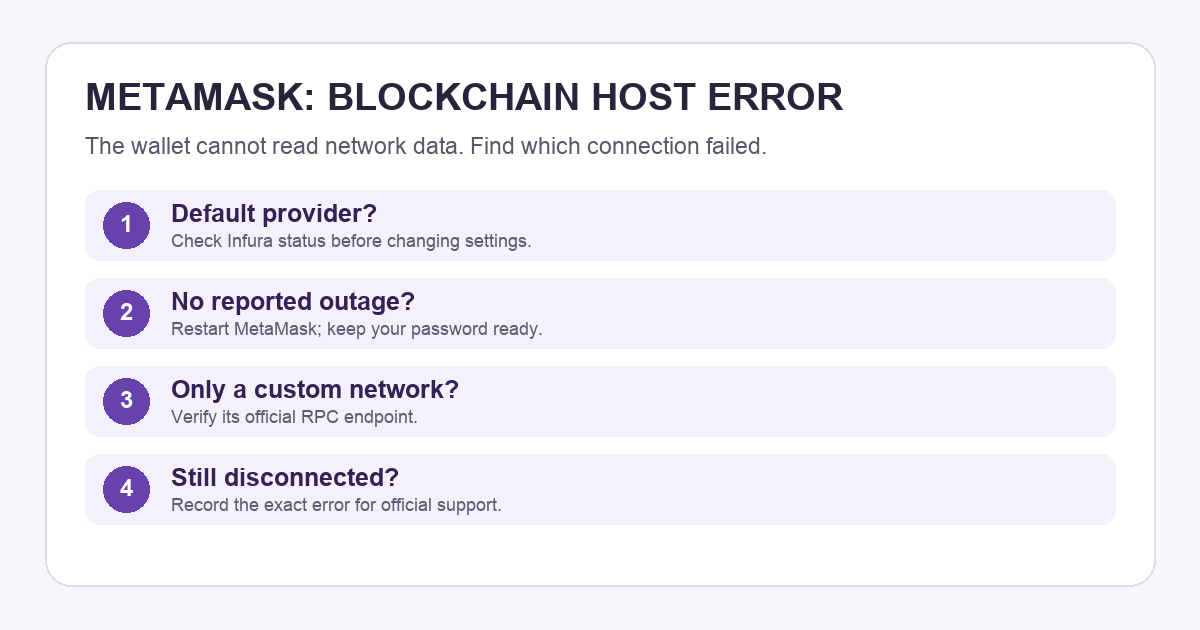
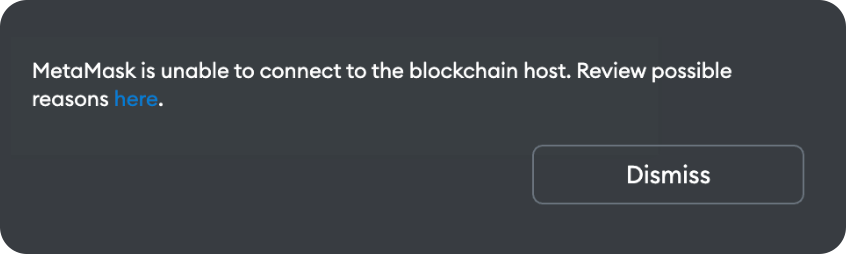
Imagine opening MetaMask to send a payment and finding a blank balance beside “MetaMask is unable to connect to the blockchain host.” It is easy to think the wallet or funds failed. The message is more specific: MetaMask cannot get blockchain data from the service it is using for the selected network. MetaMask's explanation calls that service the blockchain host; Infura is the default for many connections. A blank or stale balance during this error is a display and connection clue, not proof that the coins moved. Check the same public address and network in a trusted explorer before interpreting the balance.
Is the default service having trouble?
Start by noting which network is selected and whether the error is limited to it. If you are using MetaMask's default connection, check Infura's public status page. A reported incident supports waiting for service recovery; an all-green page does not prove your local connection is healthy. MetaMask's Infura guide names waiting as a valid response to an intermittent provider problem. Avoid resending a payment merely because the wallet stopped displaying fresh data: first inspect the transaction on that network's public explorer.
Would a safe restart change the result?
If no outage is reported, close and reopen the app or browser extension and check again. For the extension, MetaMask says to confirm that you know your wallet password before restarting, because it may lock the wallet. Restarting means fully quitting the browser, not just closing one tab. If the connection returns, you have resolved the immediate display problem; the message alone cannot tell you whether the cause was a temporary provider interruption or local app state. Do not reset the wallet or enter your Secret Recovery Phrase into a troubleshooting site.
Are you using a custom network or RPC?
A custom RPC is a server address that supplies blockchain data. If the error appears only on a network you configured, check the network's official RPC instructions and the exact endpoint saved in MetaMask. The default-Infura diagnosis may not apply to that network. MetaMask confirms that a different blockchain provider can be configured, but a random RPC URL from a search result is a poor fix: it can return incomplete data or expose your address and activity to an unknown operator. Advanced users can use their own trusted node following MetaMask's connectivity guide.
If you see an orange balance warning instead of this blockchain-host message, follow the MetaMask outdated balance guide for that different symptom.
If the error persists across a known-good connection and current app version, take the exact message, selected network, app or extension version, and provider status to official MetaMask support. Never send them your recovery phrase. The useful distinction is provider outage, local restart, or custom-network endpoint; this error by itself does not identify which one happened.
Official sources
Product interfaces and recovery policies can change. Confirm the current steps before acting.