A confirmed source payment is only one stage of a Trezor Suite swap. Compare the existing trade with its provider status before assuming delivery or a refund.
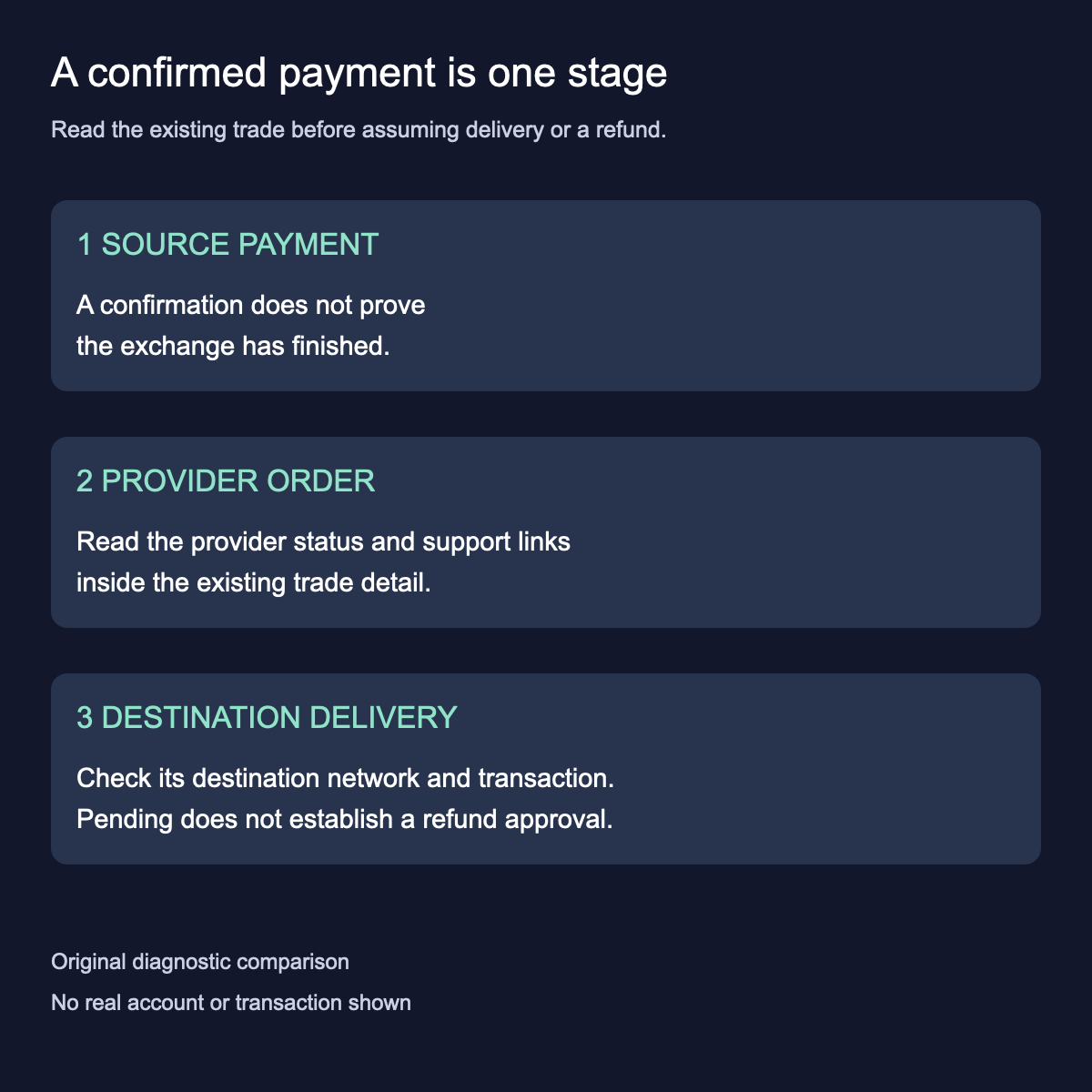
A confirmed BTC payment does not establish that the exchange provider has completed your Trezor Suite swap. Compare the on-chain payment with the provider's order status before treating the missing output as a wallet-display problem. The useful next result is identifying which stage needs an answer, rather than starting another swap.
An archived r/TREZOR question describes the same gap: BTC had several confirmations, but the expected USDT and the trade-history entry were missing. The visible staff reply directed the user to Trezor support. This historical report supplies the question, not a current provider-outage claim or proof of a refund. HideFi has not accessed that order.
Separate the payment from the exchange order
Think of the source transaction as a receipt for one stage. Its confirmation does not answer whether the provider has received, processed or sent the other asset. Trezor's current swap guide supplies a separate provider-status link alongside the transaction information.
This distinction matters when the two screens seem to disagree. A successful source payment and a processing exchange order can describe different stages of the same task. Record what each screen actually says; do not convert an estimate or a support message about maintenance into a completion date.
Return to the existing trade
On desktop, the documented route is Swap → Trade history. Open the existing trade and compare its timeline, source transaction and provider-status link. The trade detail also identifies the provider and offers its support link.
On mobile, open Trade and the existing history entry beneath the swap form. The swap guide calls this row Trade, while the trade troubleshooter labels the history entry Trade history. Read the current label in your installed app. The swap detail supplies the provider-status link and a Need help with your trade? support route. Reading those details is separate from approving another transaction.

If the expected history entry is missing, report that specific visibility problem through official Trezor Support. Do not invent a Trade ID or create another swap just to produce a history row. A missing row does not establish whether the provider delivered the output.
Match the unresolved stage to the question
If the source payment is still unconfirmed, describe that state accurately. If it is confirmed but the provider is still processing, ask the provider about that existing order through its linked support route. If the provider says it completed delivery, ask for the destination network and transaction reference before assuming the result is simply hidden in a wallet.
If the provider identifies delivered USDC on Base and the remaining problem is Suite visibility, use the separate Base USDC account checks. That display question begins after delivery has been identified.
Keep order identifiers and account details in the official private support conversation. A source TxID and a provider Trade ID identify different records; neither should be mistaken for proof of delivery. HideFi has not accessed the reported order or independently checked its payment.
Pending is not an approved refund
Trezor's general FAQ describes refunds when a centralized exchange swap fails. That does not classify every long-running order as failed or establish a particular order's refund status. No case-specific deadline or automatic refund trigger was verified.
The same official guide says to contact the provider from the trade detail and, if that does not resolve the issue, contact Chatbot Hal with the Trade ID ready. Use Trezor's official site to reach that route. Preserve the existing trade record; do not repeat a swap, reset a wallet or share recovery words merely to test an exchange status. This guide performs no transaction and promises no recovery result.
Official sources
Product interfaces and recovery policies can change. Confirm the current steps before acting.