Trezor Suite shows Discovery error while a VPN is on? Check backend status, compare the network route, and avoid resetting your device for a connection problem.
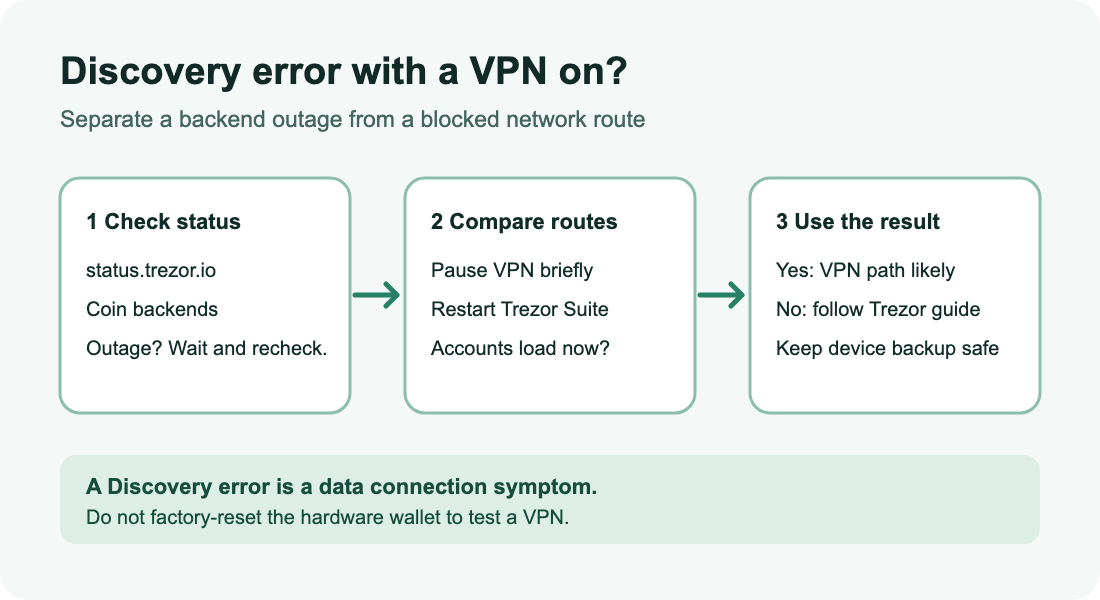
A Trezor Model T user reported an Account discovery error and feared their funds were missing. They had already factory-reset the device before learning that turning off their VPN made Suite load again. The report is a useful warning: a wallet display that cannot reach a backend is not evidence that the device or the coins need resetting. Trezor's current support guide identifies Discovery error as a connection problem and says the coins are unaffected.
If Discovery error appears while your VPN is on, check Trezor's backend status, briefly compare the connection with the VPN off, and restart Suite. If the same accounts load on the second route, the VPN connection is the likely difference. This is a diagnostic check, not a claim that every Discovery error has the same cause.
Is Trezor down, or is the VPN route blocked?
Start with Trezor's live status page and look at Trezor Suite coin backends for the affected coin. When we reviewed it on November 10, 2026, it showed the backends operational; its state can change. For a Bitcoin account, Trezor also suggests opening btc.trezor.io from the same network. A failed page load while the VPN is active does not prove a Trezor outage, because that VPN route may block the test page too.
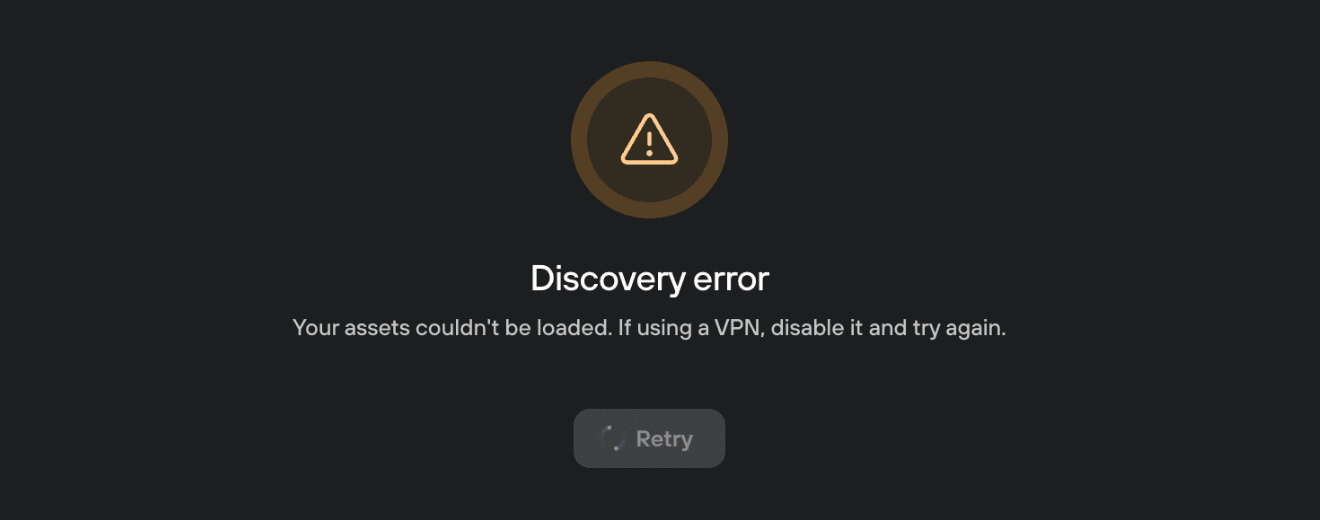
Crop of Trezor's official Discovery error screenshot, reviewed November 10, 2026. The screen is an illustration, not a live status reading.
What changes when the VPN is off?
If you can safely test without the VPN in your location, disconnect it, close Trezor Suite, reopen it, and check the same wallet and affected accounts. This is the order in Trezor's desktop and mobile instructions. If balances and history now load, the observation points to the network route, not a change to your wallet keys. A Trezor forum user confirmed that outcome; another report documented a VPN-on Discovery error across several coins, and Trezor staff advised a different VPN provider for people who wanted to keep using a VPN. That is an option to evaluate, not a guaranteed fix for every provider or location.
If the error remains with the VPN off, stop treating the VPN as the confirmed cause. Trezor's guide covers other branches such as Tor, stale Suite app state, and a custom Blockbook or Electrum backend. An app reset clears local Suite settings and saved wallets; it is not the same as resetting the hardware device. Follow Trezor's current instructions for your desktop or mobile app before making that change. If only one coin is affected, record that detail for Trezor support rather than assuming an all-network VPN failure.
What should you avoid?
Do not factory-reset your Trezor, type a recovery phrase into a website, or move funds just because Suite says Discovery error. The first-hand user had already reset their device before finding the VPN connection issue. If the checks do not restore the view, Trezor asks for your app platform and version plus affected coins when contacting support. If the device itself is not detected, that is a different connection problem.
HideFi is independent of Trezor and cannot inspect your wallet or determine the cause of an individual connection failure.
Official sources
Product interfaces and recovery policies can change. Confirm the current steps before acting.