One Trezor passphrase wallet shows a Solana discovery error while others load. Check the known address, Suite version, and connection before changing settings.
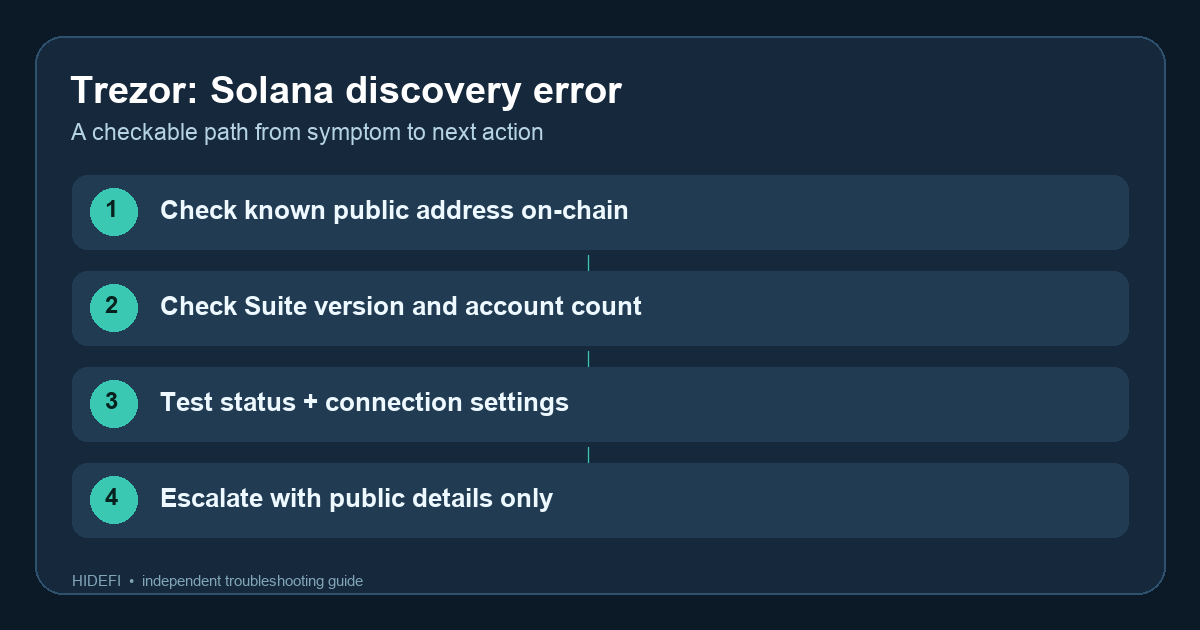
A Trezor user reported a narrow but alarming problem: Solana stopped loading in one passphrase wallet, although their other wallets worked. They said the same public address still showed SOL after a recent transaction. Their question was whether the transaction had broken the wallet. The report does not establish that cause or document a fix. Here is how I would separate the things we can actually check before touching recovery settings.
Does the same Solana address still hold the assets?
Start with the public address you already know belongs to the affected wallet. Look it up on a reputable Solana explorer without connecting a wallet or signing anything. Compare its token quantities and recent transactions with your own records. If the assets remain at that address, the chain still records them even while Suite cannot show them. If you do not know the address, do not borrow one from another passphrase wallet; a different passphrase opens a different wallet.
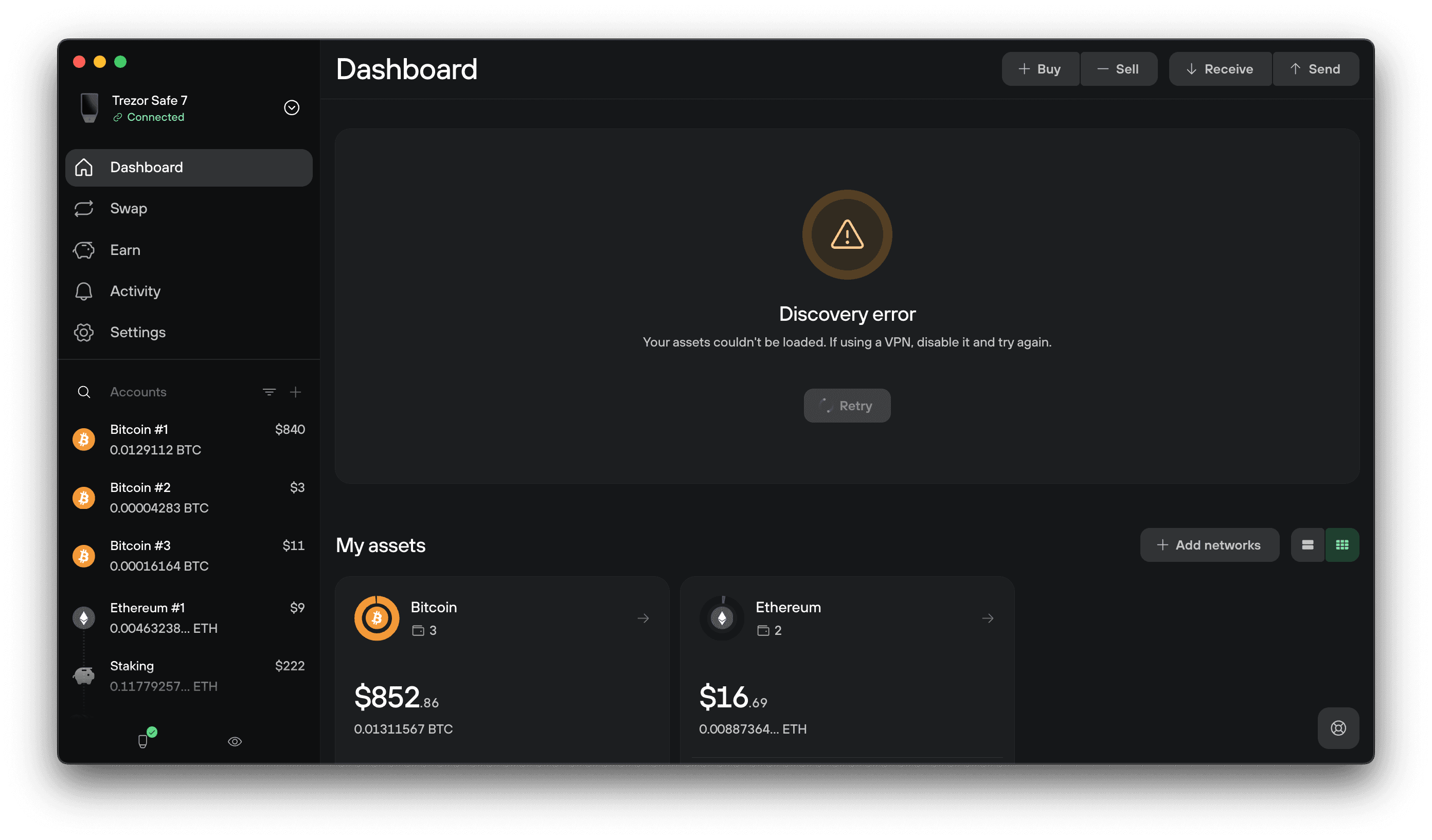
The Trezor Discovery error guide describes this message as Suite failing to read blockchain data from its servers. The error alone does not prove a transfer or a damaged wallet. The screenshot below is Trezor’s generic example of the error, with Bitcoin accounts; it is not the Reddit user’s Solana wallet.
Could a Suite reconnect bug explain one failing wallet?
Check your Suite version. Trezor Suite 26.10.2 release notes say a Solana reconnect issue when using many accounts was fixed. That makes the version worth checking if you use multiple accounts, but it does not prove this is the cause of every one-wallet error. If your version predates that release, update through Trezor’s official channel, then reopen the same passphrase wallet and check the same address. The public report has no confirmed resolution; do not treat an update as a guaranteed fix.
What if Suite is current and the error remains?
Follow the less disruptive checks in Trezor’s troubleshooting order. Check Trezor’s service status, then test your network connection. If you use a VPN, disconnect it and restart Suite; check Tor and any custom backend you configured. A custom backend can be unreachable or out of sync. Trezor’s btc.trezor.io check is for its Bitcoin backend, so do not use that page alone to declare Solana healthy.
Only after those checks, consider Reset app to default in Settings → Application. Trezor says this clears saved app settings and wallets, and you must reconnect the device and re-enable coins. Make sure you understand your setup and can access the same passphrase wallet before doing it. Resetting the device is a different action and is not a useful experiment for this display error.
If the known public address is funded but Suite still cannot load it, contact Trezor’s official support with the Suite version, affected coin, device type, and error wording. You can share a public address if needed, but never send recovery words or your passphrase. The useful result is either the same address loads again in Suite, or the public chain record confirms the assets while support investigates the display issue.
Official sources
Product interfaces and recovery policies can change. Confirm the current steps before acting.