Understand why restoring an old Ledger wallet on Trezor Safe 5 keeps the original backup, and why “Create backup” may be unavailable.
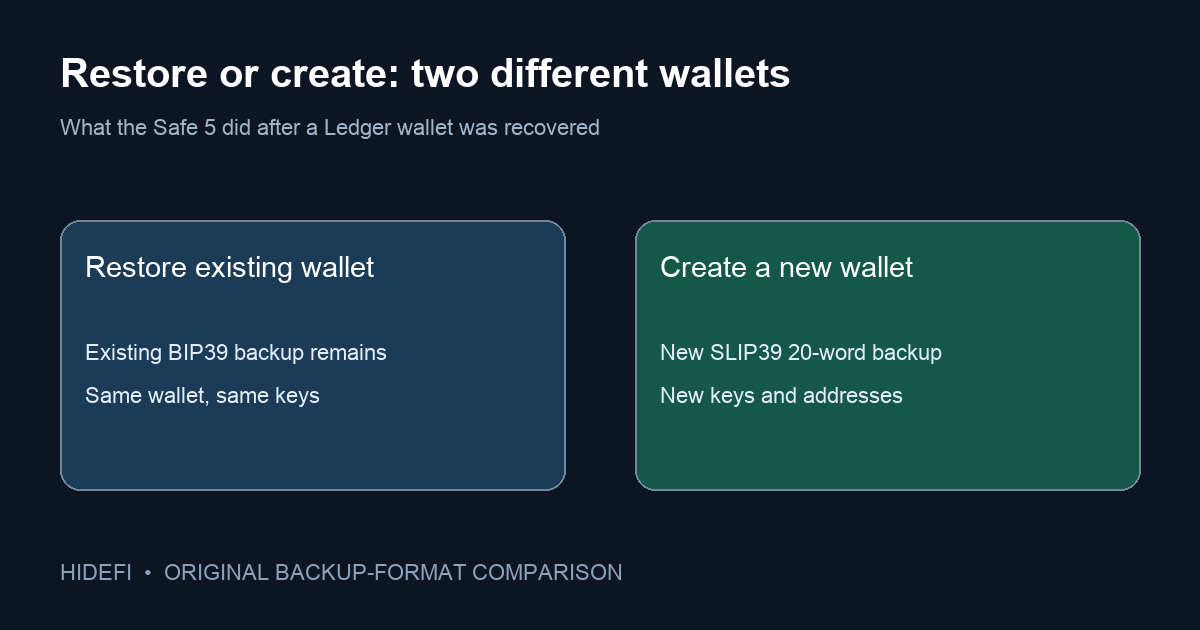
A Trezor Safe 5 owner asked why Create a backup was unavailable after recovering a wallet previously used on a Ledger. They expected the new Trezor to provide a fresh 20-word backup, but Suite showed only Check wallet backup. The short answer: restoring an existing wallet keeps that wallet's existing backup format. A new device does not silently replace a 12- or 24-word BIP39 backup with a new 20-word SLIP39 one. Trezor's backup-format guide separates those two formats.
What did recovery actually do?
Recovery tells the Safe 5 to recreate the existing wallet from the backup you supplied on the device. It does not generate a second set of words for the same BIP39 wallet. In the public question, the person recovered a wallet that had been on a Ledger; that is why seeing the familiar accounts after recovery was the meaningful check, while looking for new 20-word words was the wrong expectation.
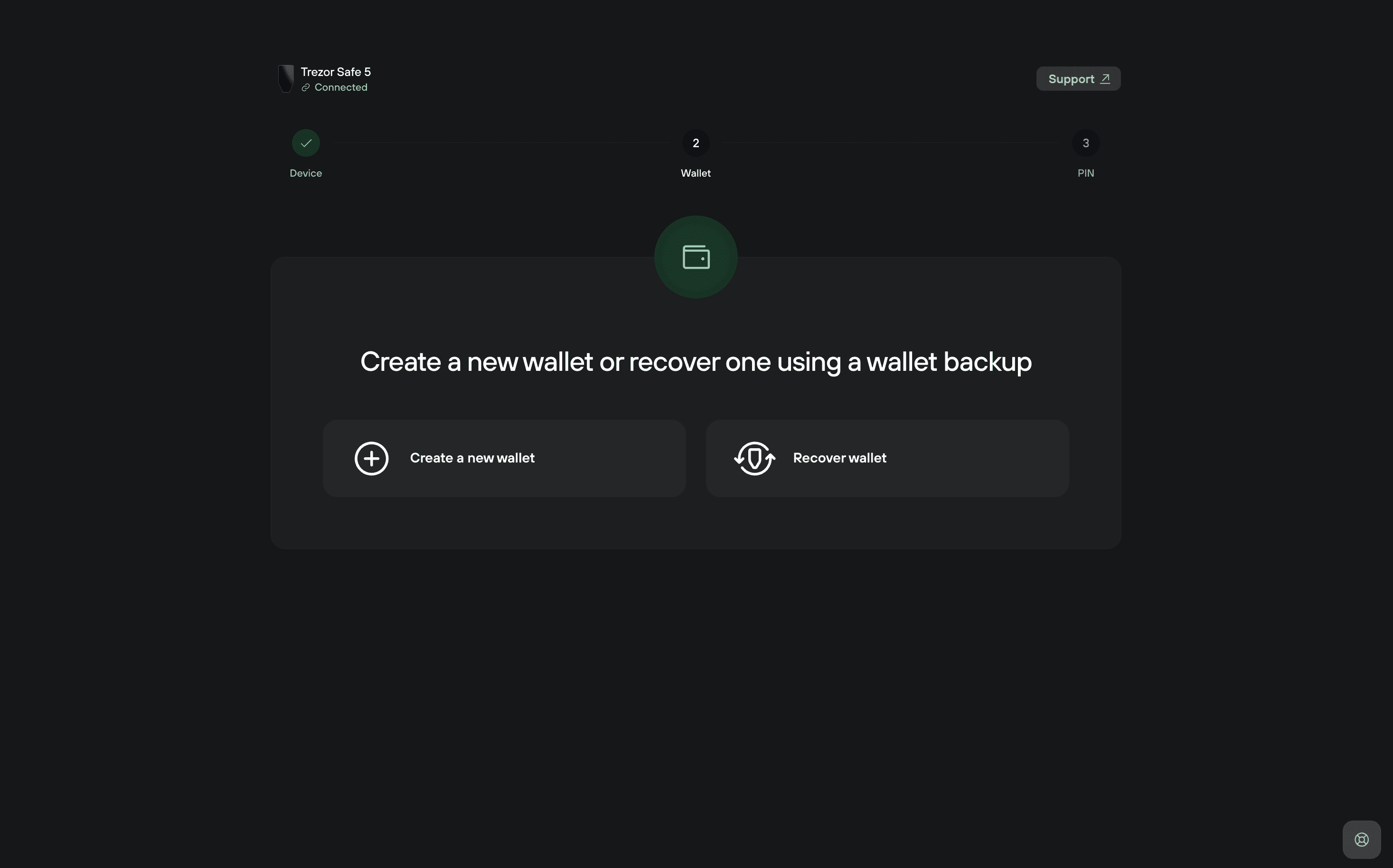
Trezor explains that BIP39 backups usually contain 12 or 24 words, while its newer SLIP39 single-share backup uses 20 words. The Safe 5 defaults to SLIP39 when creating a new wallet, but that default does not rewrite a wallet restored from another format. Check wallet backup is a verification feature, not a way to display a new backup or turn the old words into a new set.
Does “Create new backup” convert a restored Ledger wallet?
Do not infer that from the label. The Trezor guide's “Making new SLIP39 backups” section describes changing the backup setup of an existing SLIP39 wallet—for example, single-share to multi-share—and says the old shares remain valid. It does not say a restored BIP39 wallet can produce a 20-word SLIP39 backup for the same funds. The missing button in this case is therefore not evidence that setup failed. Trezor’s SLIP39 FAQ explicitly says Trezor Suite does not convert a BIP39 wallet to SLIP39. It describes a specialist command-line route with major limits, including 59-word shares, which is not the ordinary 20-word backup this reader expected.
If you only want to use the recovered wallet on the new hardware, preserve the original backup securely offline and verify that you still have it. Trezor's wallet-backup safety guide says backup words should be entered only when prompted by the Trezor device, never into a site or support chat. Do not reset the device in search of a new word list unless you fully understand which wallet you are replacing and how you would restore the current one.
What if you specifically want a new 20-word wallet?
That is a different wallet, with different keys and addresses, not a second label for the restored one. Creating it and moving assets would be a separate, consequential operation with transaction fees and address risks. This guide does not instruct a transfer. First decide whether you actually need new keys or simply wanted assurance that the recovered wallet has a backup. If the old backup is unavailable or you are unsure what was restored, stop and use Trezor's official support route before changing device state.
The practical distinction is restore existing wallet → keep its original backup; create new wallet → new backup and new addresses. The device model alone does not determine the backup you already have.
Official sources
Product interfaces and recovery policies can change. Confirm the current steps before acting.