If Phantom connects to Ledger but no Solana approval appears, separate desktop USB from mobile Bluetooth checks before changing signing settings or retrying.
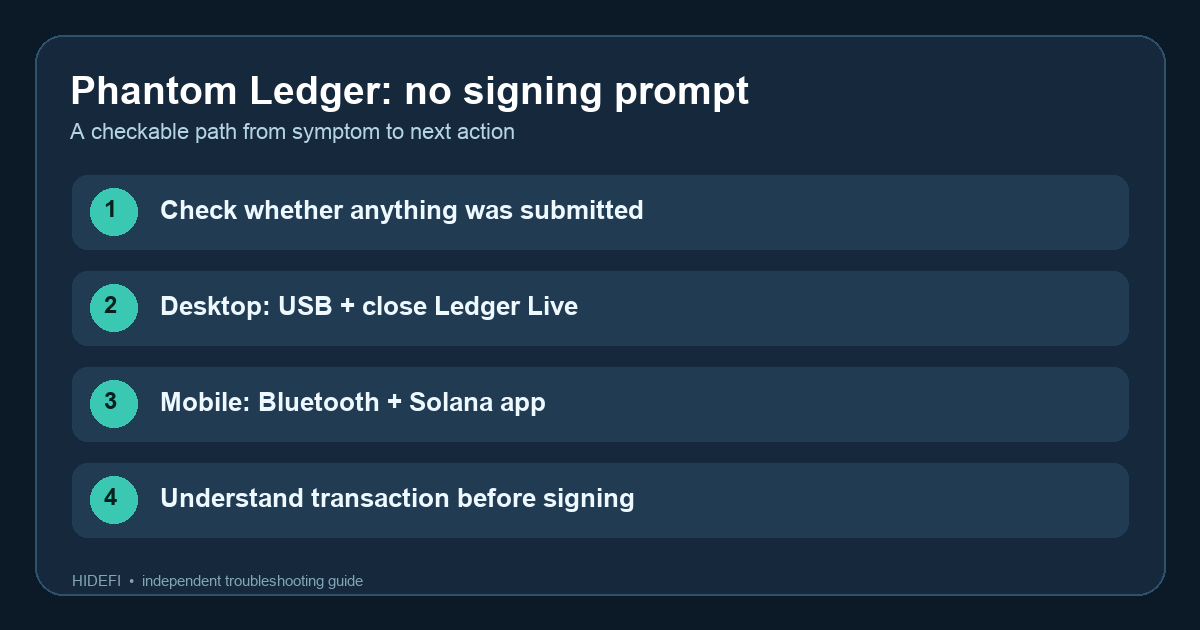
A Phantom user described an unstake request that said to confirm on Ledger, while the device showed nothing—even with blind signing enabled. If your Ledger account is visible in Phantom but the approval never appears, the account connection alone does not prove the signing request completed. Before retrying, check Phantom history and a Solana explorer for an actual transaction. If none exists, treat this as a connection or signing-path problem rather than a confirmed transfer. The exact cause still depends on whether you use desktop USB or mobile Bluetooth.
Are you using desktop USB or mobile Bluetooth?
On the browser extension, Phantom's current Ledger guide says to close Ledger Live, use a data-capable USB cable, unlock Ledger, and open the Solana app before submitting in Phantom. Ledger Live can occupy the connection. If the device is not detected at all, resolve the USB connection first; changing transaction settings will not make an unplugged signer appear.
On mobile, Phantom uses Bluetooth. Its mobile troubleshooting guide separates pairing failures from transaction failures. Confirm phone and Ledger Bluetooth are on, Phantom has Bluetooth permission, and the unlocked device is nearby. If pairing fails, follow the official reconnect route. If pairing succeeds but the transaction has no prompt, open the Solana app on Ledger and try again only after checking that the first attempt was not submitted.
Should you enable blind signing?
Phantom says some Solana transactions require blind signing and lists it among later checks for both desktop and mobile. It is not the first switch to flip for every failure. Blind signing can reduce what the device can explain about a transaction. Enable it only for a transaction you understand, verify the application and destination through trusted sources, and review every detail available on Phantom and Ledger. If the transaction remains unclear, stop.
The useful outcome is a narrowed branch: no device connection, connected device with wrong app, or an unsupported/unclear signing request. Never type the Ledger recovery phrase into Phantom or a site offered as a fix.
Official sources
Product interfaces and recovery policies can change. Confirm the current steps before acting.