Sparrow opens a hardware-backed wallet file without the device because it stores public account data. Check the wallet type; signing still needs the device.
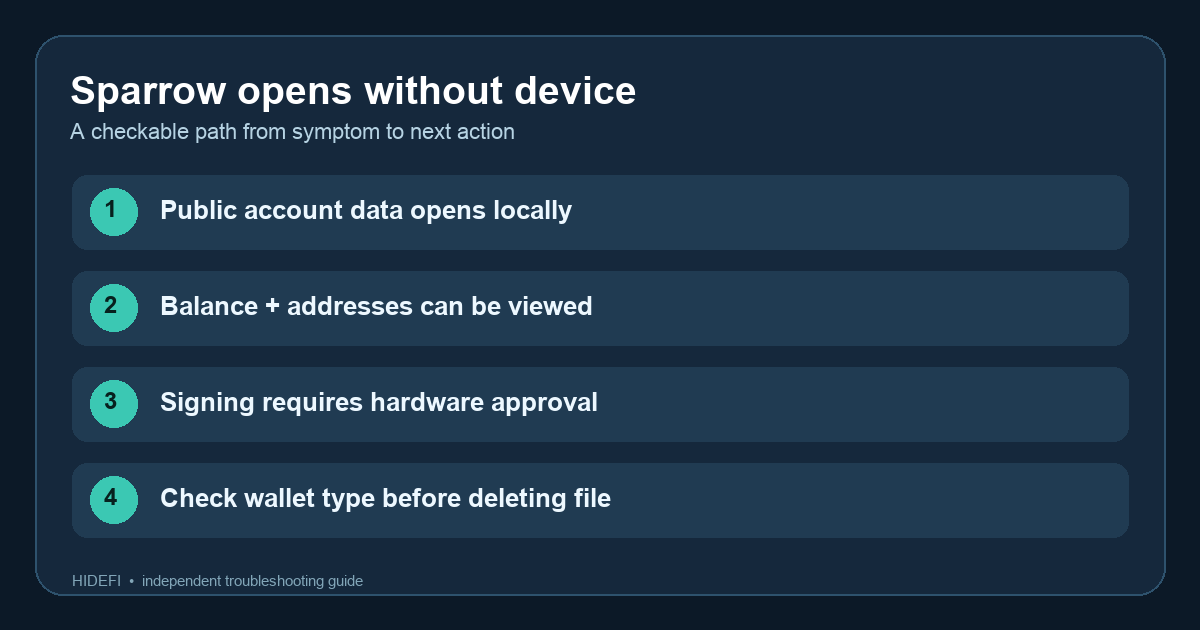
A Sparrow user unplugged their Trezor and found that the wallet file still opened. They asked the right follow-up questions: can it receive, can it send, and would deleting the file delete their Bitcoin? For a wallet set up as Connected Hardware Wallet, Sparrow keeps public account details on the computer so it can show addresses and past activity. The device keeps the private keys. Opening the file by itself is not evidence that Sparrow copied the seed.
Why can I still see the balance and receive addresses?
The official connected-wallet guide says importing a Trezor into Sparrow imports public key details for display; the hardware device never exports its private key. Sparrow can use those public details and its Bitcoin server connection to display balance and transaction history even when the device is absent. If you are offline, a displayed balance may be stale until Sparrow reconnects.
You can also see a receive address without the device. But before using a new address for an important deposit, connect the device and use Sparrow’s Display Address check to compare the computer view with the hardware screen. Sparrow recommends this because malware on a computer could replace a displayed destination. Receiving itself does not require a signature; verifying the address on the device is the independent safety check.
Can Sparrow send Bitcoin while the hardware wallet is unplugged?
Sparrow can prepare a proposed transaction, but the official send walkthrough has a separate Sign step: the transaction is sent to the connected device, where you review the address and amount and approve it. Sparrow broadcasts only after it receives a valid signature. You do not need to make a real payment to test this distinction. If the computer alone can sign and broadcast from this wallet, pause and inspect whether you created a New or Imported Software Wallet instead of the hardware-backed setup you expected.
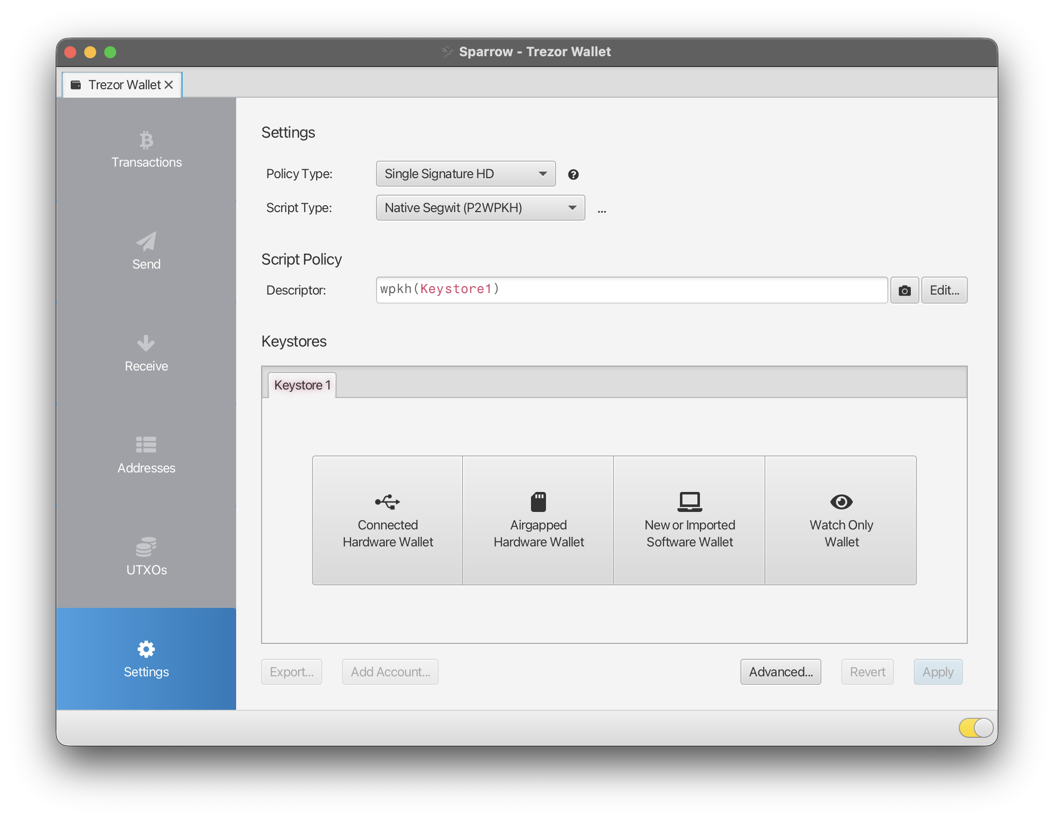
Sparrow’s Settings screen shows the wallet-type choices. The official example below has Connected Hardware Wallet, Airgapped Hardware Wallet, New or Imported Software Wallet, and Watch Only Wallet as distinct keystore routes. This is a setup example, not proof of which type your existing file uses.
Would deleting the Sparrow wallet file delete my Bitcoin?
The Bitcoin is recorded on-chain, so deleting the computer’s wallet file does not itself send or burn it. Still, deleting it can discard local labels, setup information, and a convenient history view. Before removing anything, confirm the wallet really is hardware-backed, that the device and its existing offline backup are available, and record the account’s script type, derivation path, and any passphrase without exposing secrets. The Reddit user had several legacy and native SegWit accounts; reopening a different script type or account path could make a restored view look empty even though the original addresses still hold funds.
The answer is view without the device; sign with the device for a correctly configured connected hardware wallet. If you are uncertain which wallet file holds which account, keep the files and identify the matching public addresses first. Never type hardware recovery words into a website or software wallet just to make an unplugged view work.
Official sources
Product interfaces and recovery policies can change. Confirm the current steps before acting.