Phantom says your BTC-to-SOL swap amount is too low. Check the $2 minimum, Bitcoin network fee and route before confirming a trade.
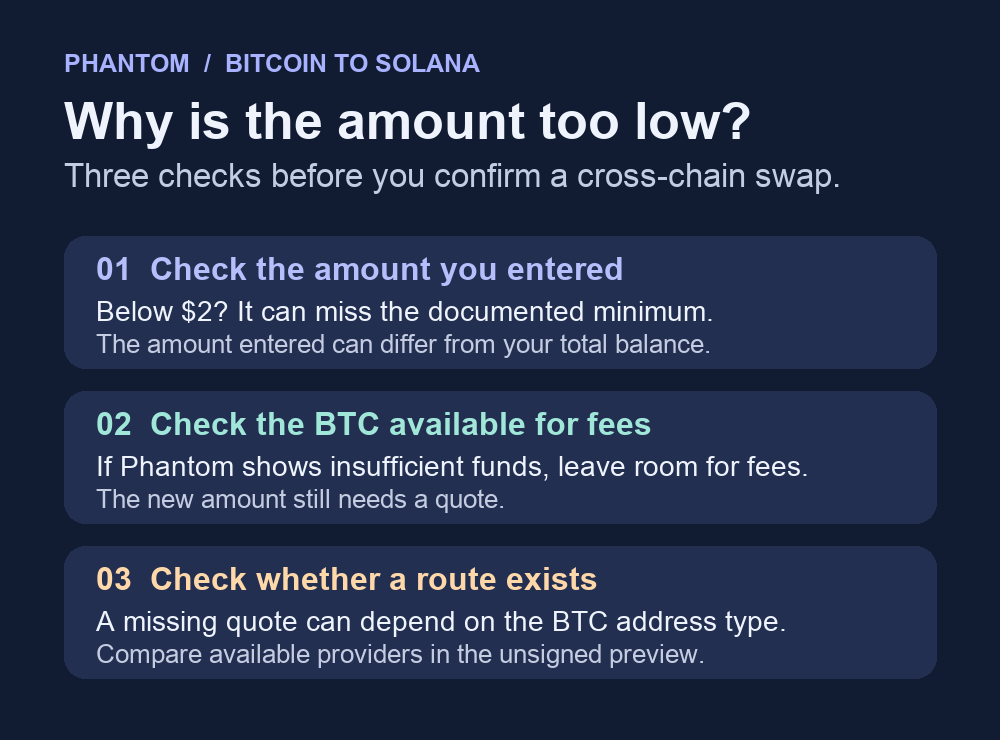
A Phantom user with about $20 in BTC wanted SOL, but the app said the amount was too low. A second user had only $1.19. Those two balances call for different checks. Phantom documents a $2 minimum for cross-chain swaps, including a swap from native BTC on Bitcoin to SOL on Solana. Check the dollar value of the amount entered in the swap. An amount of $2 or more meets the published floor. A provider still has to quote the route.
Check the amount entered and the BTC left for fees
On mobile, open BTC on Bitcoin and choose Sell or Trade → Sell, then choose SOL on Solana. On the extension, open Swap and check the assets on both sides. Phantom's swap guide describes both routes. Stop at the quote screen.
If the amount entered is below $2, the cross-chain minimum explains why Phantom may decline to quote it. A $1.19 balance cannot meet that threshold on its own. If the amount entered is already above $2, the published minimum does not explain the error by itself. The public $20 report does not establish what the person entered or why the app refused it.
If Phantom shows insufficient funds when you enter your whole BTC balance, its swap guide says to leave part of the native token for the network fee. Try an unsigned quote with a smaller BTC amount that still clears the minimum, if your available balance allows it. Review the amount you would receive and any fees in that quote. If there is no amount you can quote with the BTC you already have, stop there. Adding funds cannot guarantee a route.
Tell a missing route apart from a minimum
For a grayed-out pair or No quotes available, Phantom's Bitcoin guide says the result can depend on the Bitcoin address type holding the funds and on the bridge providers that support the route. Phantom supports Native SegWit (bc1q) and Taproot (bc1p). A combined BTC balance can include both. If the app offers a provider selector, Phantom explains where to compare providers before confirming. Leave funds where they are while you check which quote is available. Changing slippage cannot make a missing quote appear.
If you already confirmed a trade, open History and check the previous swap's status before requesting another quote. Phantom warns that a source transaction may still be pending even if the app reports a failed swap. A minimum message at an unsigned quote is a different situation from a submitted swap that has not settled. For an unfamiliar token with no active market, see how to check a Phantom swap with no liquidity.
Official sources
Product interfaces and recovery policies can change. Confirm the current steps before acting.