Check the exact token, active trading pools, quote size, and price impact before deciding whether a Phantom token has a usable sale route.
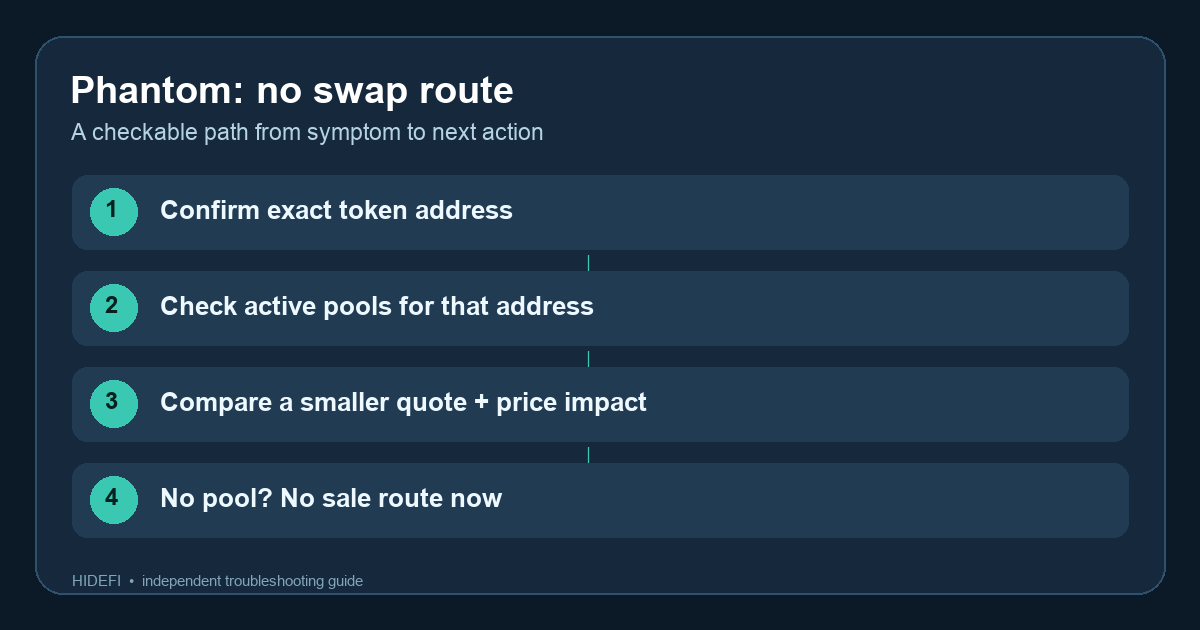
A Phantom user asked why they could buy a token but could not swap it back. Another person in the same discussion saw “No routes found” and zero liquidity elsewhere, then asked whether the token could still be sold. That is the right question: a wallet balance does not guarantee a buyer. A missing Phantom quote alone is not proof the token is unsellable everywhere, but if no active pool exists for the exact token, changing a wallet setting cannot create one.
Here is an illustrative read-only check, not a trade HideFi performed. I would confirm the token’s identity, look for an active market on the right network, then decide whether any quote is actually usable. The original flow above keeps those steps separate.
Is this the exact token you meant to sell?
Start with the contract address or, on Solana, the mint address. A ticker can be copied by another token. Phantom’s address guide says to open the token page and find the address under About on mobile or Info in the extension. Compare it with the project’s official address and the network shown for the asset. Avoid a link embedded in an unexpected token.
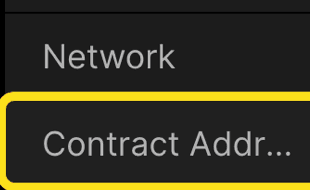
If the address is wrong, a quote for a similarly named token tells you nothing about yours. If it matches, check the market for that address.
Does another market have an active pool?
Phantom says different decentralized exchanges can reach different pools. Look up the exact token and network on reputable market data or an appropriate chain explorer; check whether there is an active pool, meaningful liquidity, and recent trades. A route missing in Phantom may exist elsewhere. Opening another trading app is a separate wallet connection and signature decision, so verify the site and proposed transaction before acting. A forum DM offering a special “unlock” route is not evidence of liquidity.
Also check whether Phantom actually submitted a transaction. Its swap guide says to inspect History and the explorer when a swap is pending or failed. Do not place a second trade while an earlier one might still settle. If no transaction was submitted, continue with the quote check.
Would a smaller quote make sense?
A pool can exist yet be too thin for the amount you entered. Phantom’s liquidity guide suggests requesting a smaller quote. Read the amount you would receive and the price impact before deciding; a quote is not a good sale merely because it can execute. Phantom’s swap guide also says a cross-chain swap or one on Robinhood Chain can fail below its stated minimum, so check the current rule if that is your route. Do not raise slippage blindly: higher tolerance can accept a worse price.
If several relevant markets show no active pool for the exact token, Phantom says it may no longer be tradable. There may also be token-specific restrictions; “no route” alone does not diagnose the cause. Waiting could change the market, but there is no promised date or price. The result of this check is one of four states: wrong token, a route Phantom missed, a thin pool with poor execution, or no usable pool now. None is fixed by sharing a recovery phrase or paying someone to “unlock” the asset.
Official sources
Product interfaces and recovery policies can change. Confirm the current steps before acting.