An old firmware version and a blocked Receive screen are different problems. Check what receiving on-chain requires and when address verification must wait.
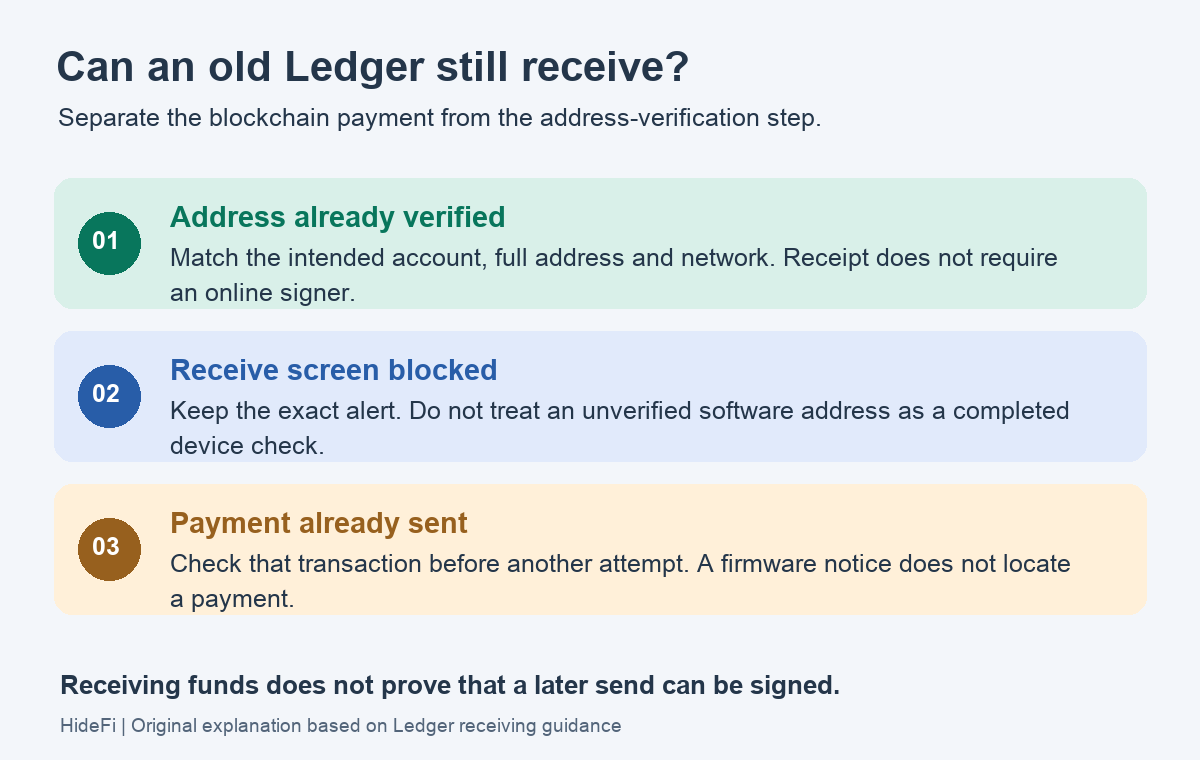
A Ledger firmware update is not what accepts an incoming blockchain payment. The distinction is whether you already have a genuine receiving address or need Ledger Wallet to verify one. An outdated device can still prevent that verification flow from working. Receipt also does not establish that you can spend the funds later.
A Nano S Plus owner asked whether an older firmware version could still receive crypto, then specifically asked about generating a Bitcoin or Ethereum address. Those are two different tasks. The discussion does not document a successful receive test on that older version.
Is this about receiving a payment or obtaining an address?
Ledger's receiving guidance says assets travel to an address on their blockchain; nothing is physically delivered to the device. It also says the device can be disconnected after address verification.
That explains why a powered-off signer does not need to wake up to accept a payment. It does not make every address on a computer trustworthy. An address is only useful if it belongs to the account you control and matches the intended network.
- An address was already verified on the signer. Match the intended account, complete address and receiving network. Device connection is separate from receipt on-chain.
- Receive cannot verify the address. Keep the exact alert and note which software displays it. Pause before sharing a new, unverified address.
- A payment was sent but is absent in the app. Check the sender's transaction and actual receiving network. Investigate that payment before considering another attempt.
Why an old firmware version can still block Receive
Ledger Wallet, Ledger OS on the signer, and the installed coin app work together. A working portfolio screen does not establish that all three are compatible.
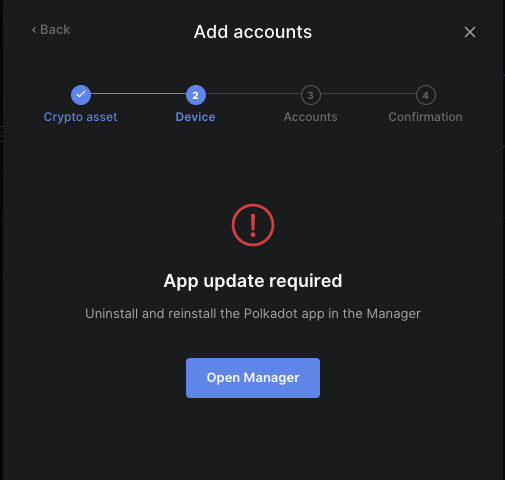
Ledger's App update required guide explicitly includes receive operations. Older OS software can limit which coin-app version is available. Its documented update order is Ledger Wallet, device OS, then all installed apps; this page does not claim that any particular old build will complete the Receive flow.
Before changing device OS, confirm that the correct recovery backup is available offline. If it is missing, stop before an update or reset; never type recovery words into a computer or send them to support.
For the Nano X case where a phone offers no usable OS update, see the separate device-version and update-route guide. Do not improvise a firmware downgrade or reset to get past a receiving-address check.
Keep address verification separate from a transfer
Ledger Academy explains why the signer's screen matters: software on the computer can display a substituted address. Compare the complete address on that secure screen before sharing it. If the displays disagree, stop.
Receiving and later spending also remain separate. Sending requires signing and physical approval on the signer; an incoming balance is not proof that an outdated setup can perform that later operation.
If a Bitcoin payment is already confirmed but Ledger Wallet still shows it as pending, use the confirmed-payment display checks. A software update notice alone does not identify where a missing payment went. Preserve the exact error and ask Ledger Support when the verification flow remains blocked; do not send a second payment as a test of the first.
Official sources
Product interfaces and recovery policies can change. Confirm the current steps before acting.