Ledger Wallet shows your regular Bitcoin account but skips the hidden one. Check the passphrase profile, scan existing accounts and verify the old history.
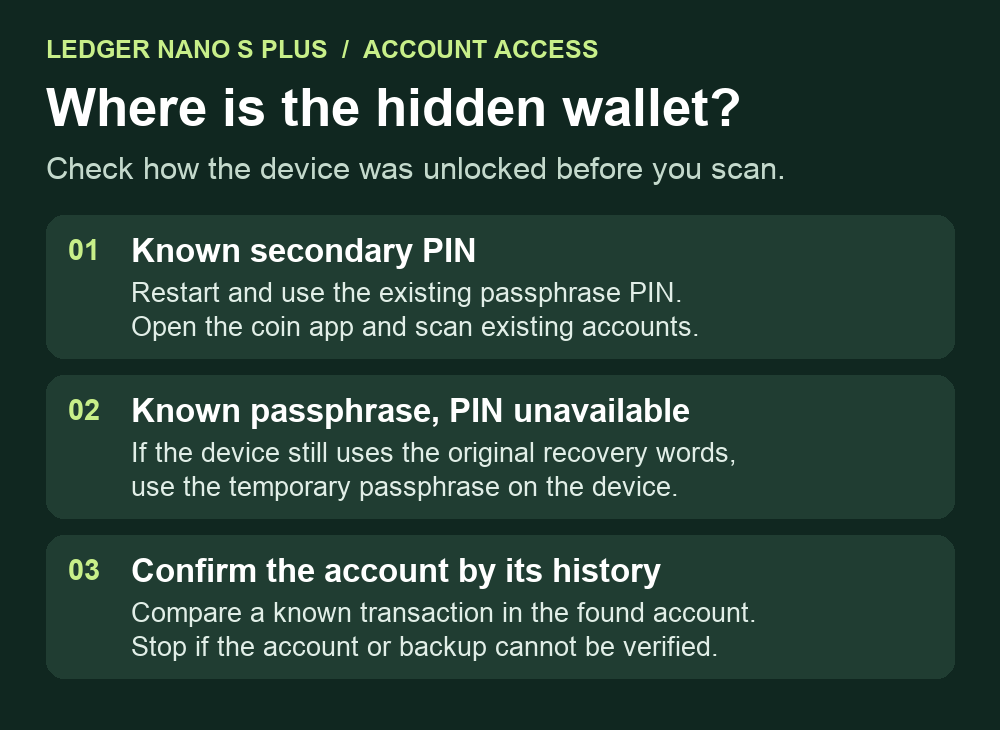
A Ledger Nano S Plus owner could see their regular Bitcoin account in Ledger Wallet (then called Ledger Live), but the passphrase account appeared only in Sparrow. They wanted the existing account to appear in Ledger Wallet too. Unlock the Nano S Plus in the passphrase profile first, then scan for the existing Bitcoin account. Ledger Wallet can display accounts it has saved on the computer even when the connected device is unlocked in a different profile. Seeing the regular balance therefore tells you little about which keys the device has loaded.
Did you unlock with the passphrase PIN?
If the passphrase already has a secondary PIN and you know it, restart the Nano S Plus and enter that PIN on the device. The regular PIN opens the standard profile. A temporary passphrase lasts only for the session, so after a power cycle you have to enter it again. Ledger's passphrase guide explains both modes. A passphrase is separate from the 24 recovery words and the PIN.
If the secondary PIN is unknown or rejected, stop guessing. Ledger says three wrong PIN attempts can wipe the device. If you can unlock with your known primary PIN, the device still uses the same recovery words as before, and you have the exact original passphrase, you can use Settings → Security → Passphrase → Set temporary on the Nano S Plus for the current session. Enter the existing passphrase only on the device, then confirm with your known primary PIN. A different character can lead to a different account set. If you later choose to replace a lost secondary PIN, Ledger's recovery guide describes the separate option and explains that it overwrites the existing secondary PIN association.
Scan for the account with the old history
In desktop Ledger Wallet, open Accounts → Add account, choose Bitcoin, and open the Bitcoin app on the Nano S Plus when prompted. After synchronization, Ledger's account guide distinguishes We found X accounts, which have transaction history, from New accounts. Select the existing account that corresponds to your wallet and click Confirm. If Accounts is unavailable on a fresh app installation, the same guide points to Home → Add crypto account or Add.
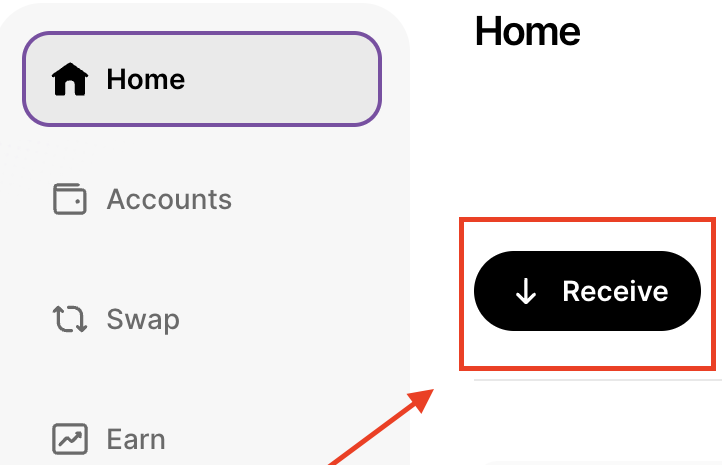
Compare a known transaction from your own records with the history in the account you added. If you also need a current receive address, open Home → Receive → Via Crypto address and select the account you found. In Ledger's Receive flow, Verify displays the address on the device for comparison with the address in the app. Ledger generates new Bitcoin receive addresses after use, so use the transaction history to identify an earlier deposit. You can finish these checks without sending anything.
What if the device was reset or the scan is empty?
A separate Nano S Plus report described the passphrase account missing after the owner restored the 24 words. Ledger's missing-accounts article explains the distinction: a reset or replacement device needs the original recovery words and the exact passphrase to derive those same accounts. If the old device still works, preserve it. If a scan returns only a new empty account or unrelated history, leave funds where they are and check the active profile and the original account type. The blank scan alone cannot identify the cause.
If you cannot verify the original backup or passphrase, stop before resetting anything. Ledger Support can review the device model, Ledger Wallet version and the point at which the scan stops. Keep both recovery words and the passphrase offline. If the device never appears in the app at all, start with the Ledger USB detection checks.
Official sources
Product interfaces and recovery policies can change. Confirm the current steps before acting.