Solflare connects to Ledger but your funded account is missing? Compare the known Solana address and select its derivation path before assuming the funds moved.
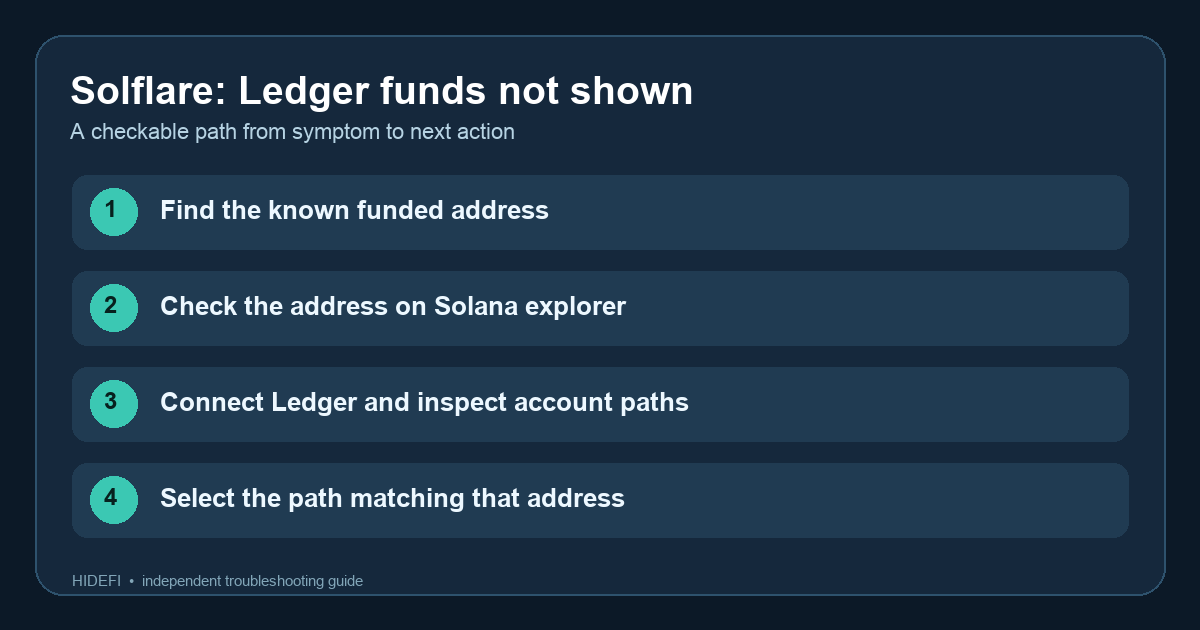
A Solflare user described connecting a Ledger and no longer seeing the funded Solana account in the wallet. That is the unsettling moment this guide addresses: the device connects, but the account on screen looks empty. The useful distinction is device connected versus correct account selected. A Ledger can expose more than one Solana account path; Solflare may show an empty one if you select the wrong path. The balance at the original public address does not disappear because you connected a different view.
Which Solana address actually holds the SOL?
Before changing anything, find a public receiving address you previously used for the funded account, such as one recorded in your own transaction history. Check that address on a Solana explorer. If it still holds the funds, the immediate problem is account discovery, not an on-chain transfer. Do not share a recovery phrase, and do not send a test transfer to an empty address to locate the old one.
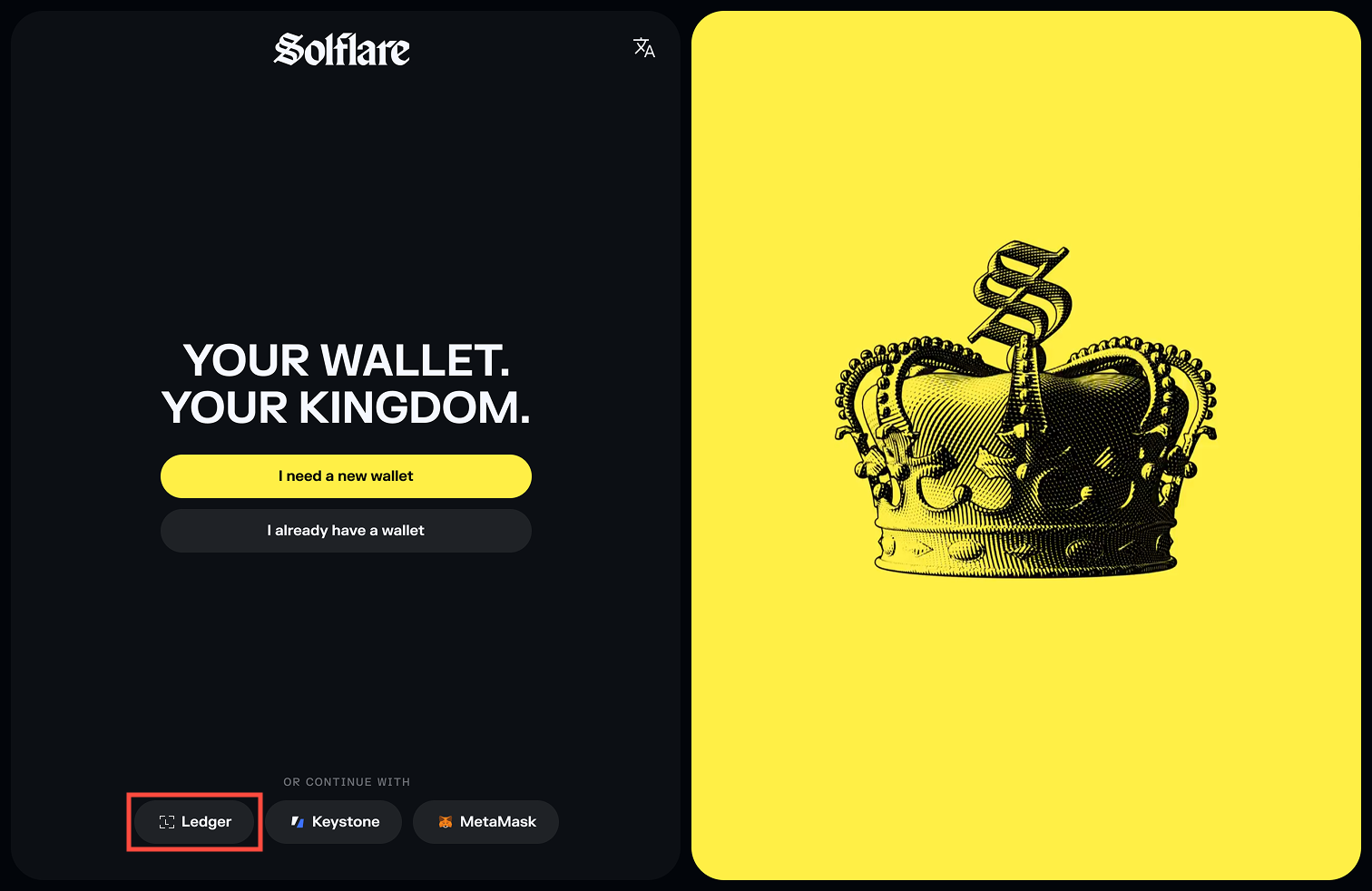
On desktop, Solflare's current funded-Ledger guide says to connect by USB, unlock the device, open the Solana app, allow the browser connection, and then select a derivation path with SOL in it. That last screen is the clue. Compare the account address it offers with the known funded address, not just the account number or displayed balance. If a path shows the known address, select it and verify the same address appears in Solflare afterward.
What if none of the listed paths matches?
Stop before resetting the device or importing its seed elsewhere. Confirm that you have the same physical Ledger, that the Solana app is open, and that the browser is connected to the intended device. A different Ledger seed produces different addresses. If you used a different wallet application or an unusual account path, its original setup records can help identify the account; Solflare's guide does not guarantee that every path will appear in the first list. Contact official Solflare support with the public address and the connection symptom if the funded path remains absent.
The checkable end state is the address in Solflare matches the address that holds the funds on-chain. A connected device and an empty account are not enough to establish loss. Never enter a Ledger recovery phrase into Solflare or a web page to solve a path mismatch.
Official sources
Product interfaces and recovery policies can change. Confirm the current steps before acting.