Jupiter says your wallet address is high-risk? Confirm the warning and submit the case to official support without risking your keys.
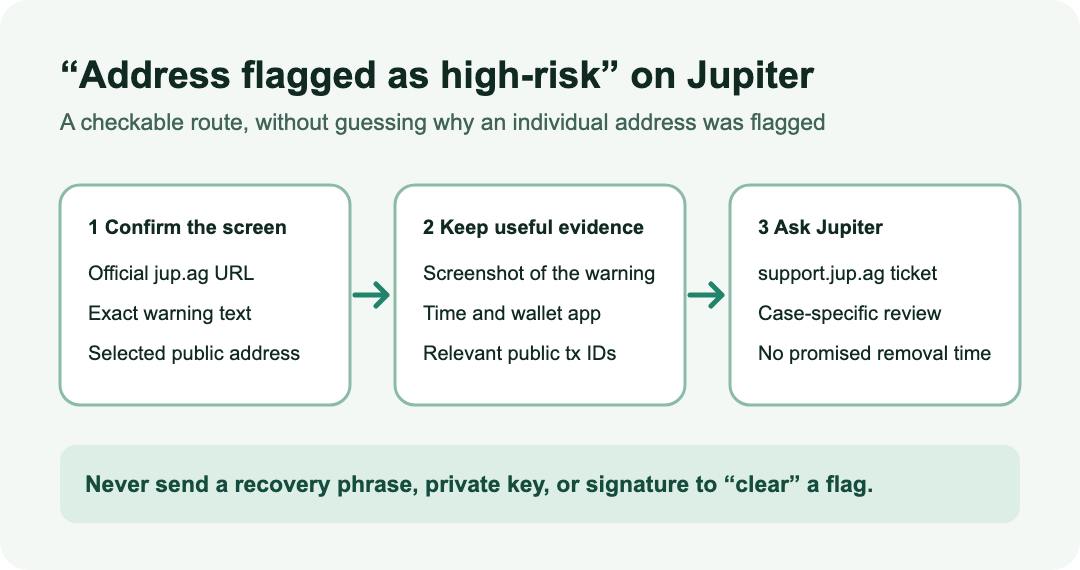
A Jupiter user reported that jup.ag stopped connecting to their wallet and said, "Your address has been flagged as high-risk." They wanted to know why and how long the restriction would last. Other users described the same message, but the thread does not establish a cause or a reliable removal time for any one address.
The useful answer: Jupiter's current Spot FAQ says this flag can follow interactions with sanctioned exchanges or addresses linked to suspected criminal activity. It directs you to Jupiter's official support form for an individual review. The warning alone does not tell you which interaction caused your case, and the FAQ gives no automatic unflagging step or deadline.
Is this the Jupiter high-risk address warning?
Before changing wallet settings, look at the exact page and message. Open jup.ag directly and check the public address selected in your wallet. Note whether the site says that the address is high-risk, rather than showing a general connection failure or a failed swap. These are different problems. If the site instead says "No routes found" when selling a token, use the Jupiter route-check guide; a missing quote is not this address warning.
The reported user could open Jupiter's governance site with the same wallet while jup.ag refused the connection. That observation shows why a successful connection elsewhere does not answer the Spot warning. It does not prove the user was cleared, nor does it identify the reason for the flag.
What should you send to Jupiter support?
Use the official Jupiter ticket page. Its current form asks how it can help, which Jupiter product is involved, and for the wallet address. It also has a description and optional attachment field. Choose the product you were using, describe the exact high-risk message and when it appeared, and attach a screenshot that does not expose private details. Include the public address that triggers the warning and any relevant public transaction IDs if you think they will help the team examine the case. Do not speculate that a particular transfer caused the flag unless you have evidence.
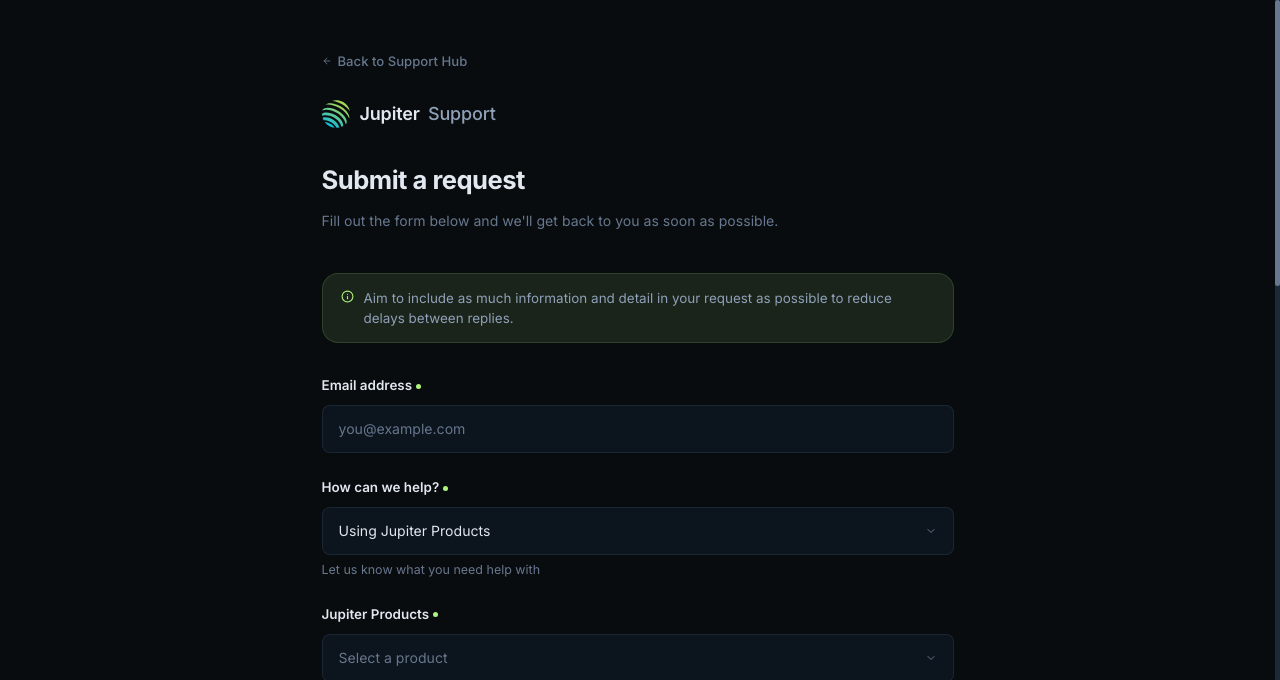
Original browser capture of Jupiter's support form, reviewed November 10, 2026. No user data was entered. The form may change.
A support request is a way to obtain a case-specific answer, not a guarantee that Jupiter will remove the restriction. Jupiter's FAQ does not publish a review period. Keep the ticket reference and follow replies through the official support site.
What should you avoid while waiting?
Do not send anyone your recovery phrase, private key, wallet password, or a signature to "clear" the flag. Do not move funds to another address just to evade the warning; that does not explain this case and can add risk and fees. A browser-cache tip in the old discussion is not evidence that cache clearing removes an address-level flag. If the exact warning persists on the official site, support is the documented next step.
HideFi is independent of Jupiter and cannot inspect, clear, or appeal a flag for you.
Official sources
Product interfaces and recovery policies can change. Confirm the current steps before acting.