Perps balance shows zero after enabling Hyperliquid Unified mode? Check the account mode and spot clearinghouse state before assuming funds moved.
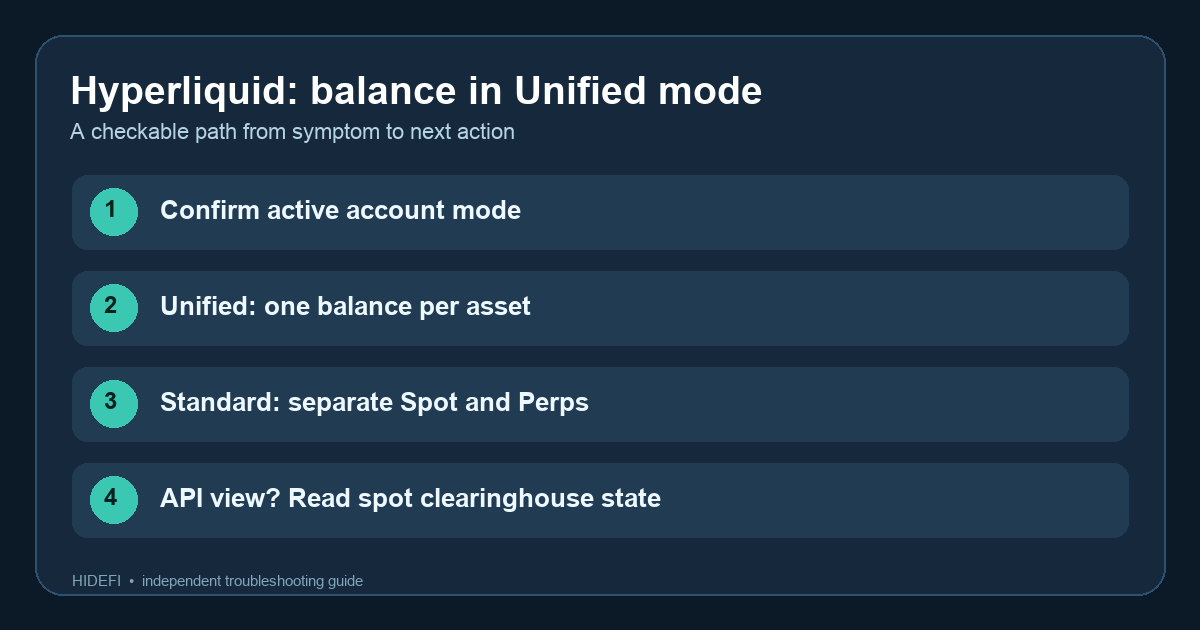
A Hummingbot user reported a specific surprise: after enabling Hyperliquid Unified mode, their perps connector showed a zero balance even though it had shown funds before. That particular connector bug was marked fixed in May 2026; check your connector version if you use Hummingbot. If you see the same thing, first check which account mode and balance source the screen or tool is reading. A zero in an individual perp DEX user state is not proof that the account's asset balance vanished. Hyperliquid's current account-mode documentation says Unified mode records balances and holds in the spot clearinghouse state.
Here is an illustrative troubleshooting path, not a claim that HideFi accessed anyone's account. Imagine your trading app displays a USDC balance while a bot says Perps: 0. The tempting fix is to transfer USDC again. That could create a new financial action without identifying the mismatch. Check the account address, mode, and source of each number first.
Is your Hyperliquid account in Unified mode?
Open the account's mode setting in the official Hyperliquid app. Hyperliquid lists Standard, Unified, and Portfolio Margin as distinct modes. In Standard, spot and perp balances are separate. In Unified, each eligible asset has a single balance shared with relevant cross-margin positions and spot trading. Portfolio Margin has a different eligible-asset model. An old tutorial written for Standard can therefore make a Unified balance look “missing.”
Do not change modes just to make an old balance label reappear. Changing a trading account setting can affect how collateral is used; inspect your open positions and live risk figures first. If you only need to diagnose a display, reading the current mode is enough.
Does the zero come from a bot or API?
This is the clue in the Hummingbot report. The Hyperliquid docs say that, for Unified and Portfolio Margin, balances and holds appear in the spot clearinghouse state; individual perp DEX user states are not meaningful for that balance check. A connector that still reads the Standard-mode perp field can show zero. Compare the same public account address, asset, and mode in the official app and your tool. For an API integration, check whether the connector already supports Unified mode and reads the correct balance source. If it does not, update it through the connector project's current release instructions rather than assuming a zero response means a loss.
What if the official account view is also lower?
A mode mismatch only explains a display-source discrepancy. It does not prove that your full balance is available to withdraw or trade. Open positions, holds, and margin can change the available amount. Hyperliquid's separate deposit and transfer troubleshooting page describes how cross-margin losses can consume part of a deposit or transfer. Check transaction history and current risk figures before deciding what happened. If the official view and the public account state still disagree, record only the public address, mode, asset, and error for official support. Never share a signing key.
The checkable result is a clear branch: Unified mode plus a third-party Perps: 0 field, Standard mode with separate balances, or a real balance/availability question that needs transaction and margin review. If your issue is a transfer button stuck on confirmation, see the separate Spot-to-Perps transfer guide.
Official sources
Product interfaces and recovery policies can change. Confirm the current steps before acting.