An unused Sui address may have no explorer history. Verify the address and network without sending funds, then check what the exchange requires.
A Sui forum user created new Slush and Nightly addresses after an exchange requested an unused address for an unsupported-deposit case. The exchange said it could not find either address. A new Sui Mainnet address does not need an activation transaction to receive a supported asset. Sui's exchange integration docs confirm that addresses need no onchain initialization. The exchange's checks are a separate part of its support case.
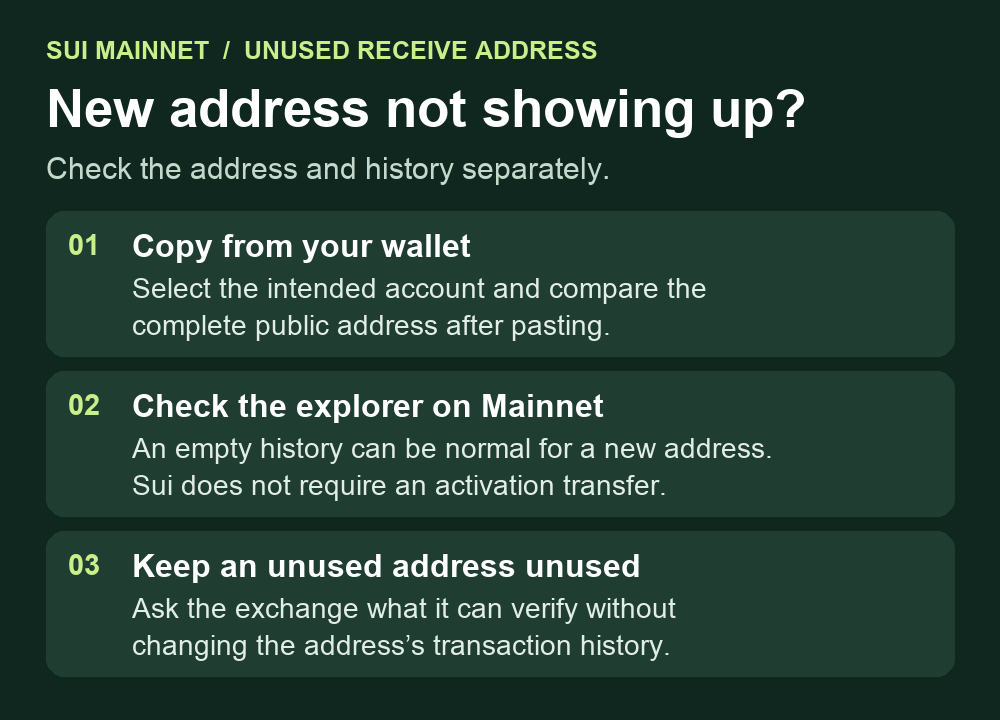
Copy the address from the account you intend to use
Open your wallet and select the intended account first. In Slush, the wallet's support guide points to the account icon on Home or the Profile tab, then Current Account or Manage Account to copy the address. Compare the full address you paste with the full address from the wallet. Sui's usual full display form is 0x followed by 64 hexadecimal characters. The Mysten Labs SDK reference explains that its address validator checks format. A well-formed address can still belong to another account.

Check Mainnet and read the history result
If you look up the address in an explorer, select Sui Mainnet. Sui documents Mainnet and Testnet separately, so activity on one does not establish activity on the other. A blank history or a search with no result can be consistent with a new address that has never been used. An explorer can only show the history its data source provides. Sui documents the differences in historical coverage. An empty result cannot establish that you control the wallet or prove the address is unused.
An unused address still needs to be the correct recipient for the actual asset and network. Sui's funding guide describes choosing the Sui network on the sender's side. There is no need to send a test payment merely to make an address show up. If you already have a confirmed Sui transaction but Slush shows a different account or an empty balance, start with the Slush account and address checks.
If the exchange requires an address with no history
Leave the address unused while the case is open. A successful test transfer would add activity and could conflict with the requirement. In the existing official support case, ask the exchange what it can verify without a transfer. Share only the requested public receiving address through that channel and point to Sui's no-initialization guidance. Keep recovery words and private keys offline.
The public forum report did not establish why the exchange rejected the addresses or whether the original deposit was returned. These checks tell you whether you copied the intended address and chose the right network. The exchange must clarify what it accepts for its case.
Official sources
Product interfaces and recovery policies can change. Confirm the current steps before acting.