Sparrow reports a duplicate extended key after a multisig import? Check signer identity and derivation before replacing a keystore.
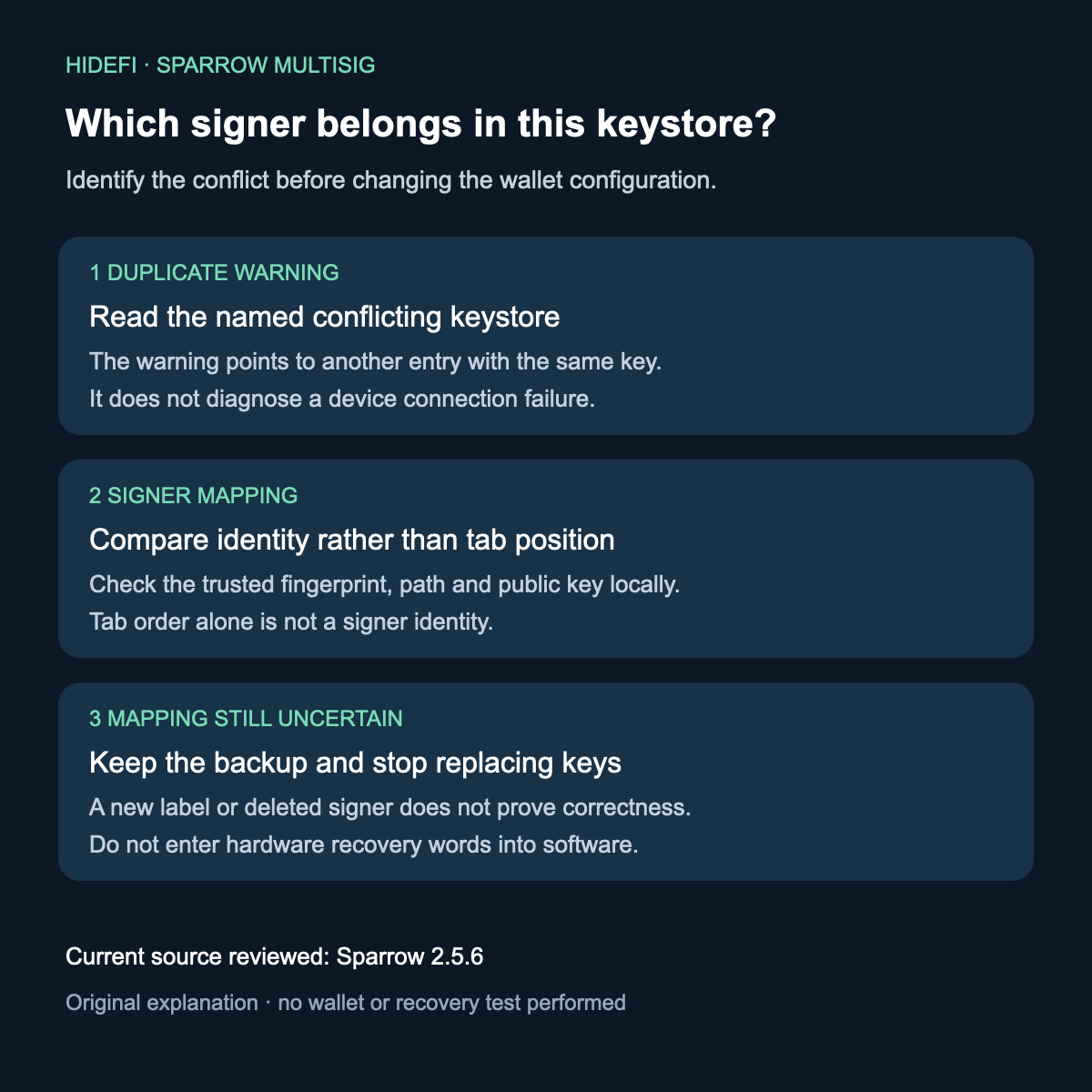
If Sparrow says an extended key matches another keystore, stop replacing keys and identify the signer that belongs in each tab. A keystore is one signer’s key information. Its position in the tabs is not a reliable identity after importing a multisig descriptor, the file that describes the wallet’s signing rules and keys.
A participant in Sparrow issue #2054 reported the older “extended key is not unique” warning after restoring a descriptor on another machine. They had followed the old tab order while entering signer material. The duplicate warning exposed a mapping problem: one key had been placed where another belonged. This is a documented user report, not a restore test performed by HideFi.
Read the conflicting keystore label before changing anything
Sparrow later improved the message to name the conflicting keystore. The 2.5.6 source checks the entered extended public key against other keystores and produces Extended key matches followed by the matching label. That is a duplicate-key check; it is not a statement that a transaction failed or that a device cannot connect.

Limited crop from the maintainer’s example in issue #2054. The example keystore names and the label at the end of the tooltip are excluded. Current 2.5.6 code confirms the wording; the historical image does not establish its build.
Compare each signer with your trusted wallet description locally. Use the recorded master fingerprint, derivation path and extended public key together, rather than “the second tab was signer B.” The fingerprint is a short identifier, not a password or sufficient proof by itself. Do not post extended public keys or complete descriptors publicly to ask which tab is correct.
If you can establish the mapping, you have identified the conflicting signer. That does not repair an already overwritten wallet configuration or establish that the wallet is ready to receive funds. If the mapping remains uncertain, keep the existing backup intact and seek official help before replacing or saving keys.
A different derivation path is a separate problem
The same thread later discusses public-key values that appeared to change. That reporter traced the case to copying values from individual wallets into a multisig setup with a different derivation path. The maintainer confirmed that, for a given seed, the derivation path determines which extended public key you get. Merely rearranging tabs does not resolve inconsistent key and path information.
Opening a hardware-backed wallet file without the device is a separate question. The view-versus-sign explanation describes that boundary; a duplicate-key warning is about the keystore entries.
Keep these outcomes separate: a duplicate signer located by the warning, inconsistent derivation information, or a signer mapping that is still unknown. Changing labels, deleting a conflicting signer or entering a recovery phrase again is not proof of a correct multisig configuration. HideFi reviewed public discussion and tagged source only; no wallet was opened, imported, exported or used to sign for this review.
Official sources
Product interfaces and recovery policies can change. Confirm the current steps before acting.