Find out whether accessible signers can authorize an owner replacement; a typo cannot bypass the existing threshold.
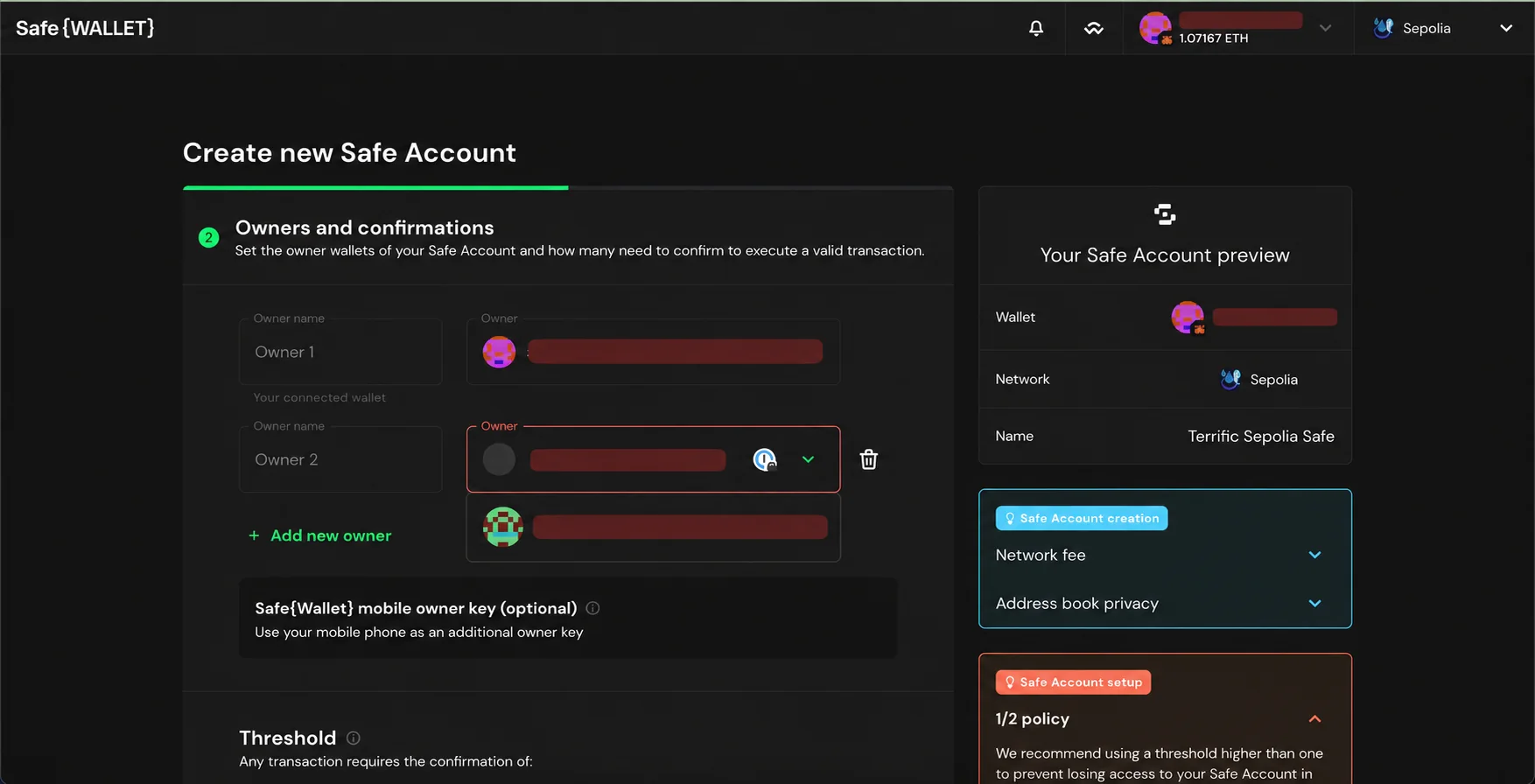
A wrong owner address in a Safe is fixable only if the required number of existing owners can still authorize a change. A typo in an owner address does not grant that person a key, and Safe cannot simply edit the contract's owner list without an authorized transaction. Safe's creation guide warns that owner addresses and the confirmation threshold determine access.
Check whether the incorrect owner is on-chain
Open the Safe on the correct network in the official app and inspect Settings > Owners. Compare the full address with the intended signer's wallet address, character by character. If an ENS name was used, check the resolved address rather than the name alone. Also verify whether the account was actually deployed; an undeployed creation flow and an executed owner change are different states.
Count signers you can still use
Record the current required confirmations and count independent owner keys you actually control. For example, one wrong address in a 2-of-3 Safe still leaves two usable owners; a 2-of-2 Safe with one wrong owner does not. This is a threshold check, not a prediction that a third party can recover access. Safe's setup guidance recommends keeping the threshold below the owner count for this reason.
Replace the wrong owner when the threshold is reachable
The authorized owners can propose an owner change in Settings > Owners, review the new address, collect the current threshold of confirmations, and execute the queued transaction. Safe's owner guide confirms that owner changes follow the ordinary transaction flow. Changing a Workspace member or reconnecting a browser wallet does not change an on-chain owner. If the threshold cannot be reached, do not sign random “recovery” transactions or disclose keys. See the lost-signer threshold guide for the locked-out branch.
Official sources
Product interfaces and recovery policies can change. Confirm the current steps before acting.