Count available owner keys against the current threshold before attempting a signer replacement or assuming recovery.
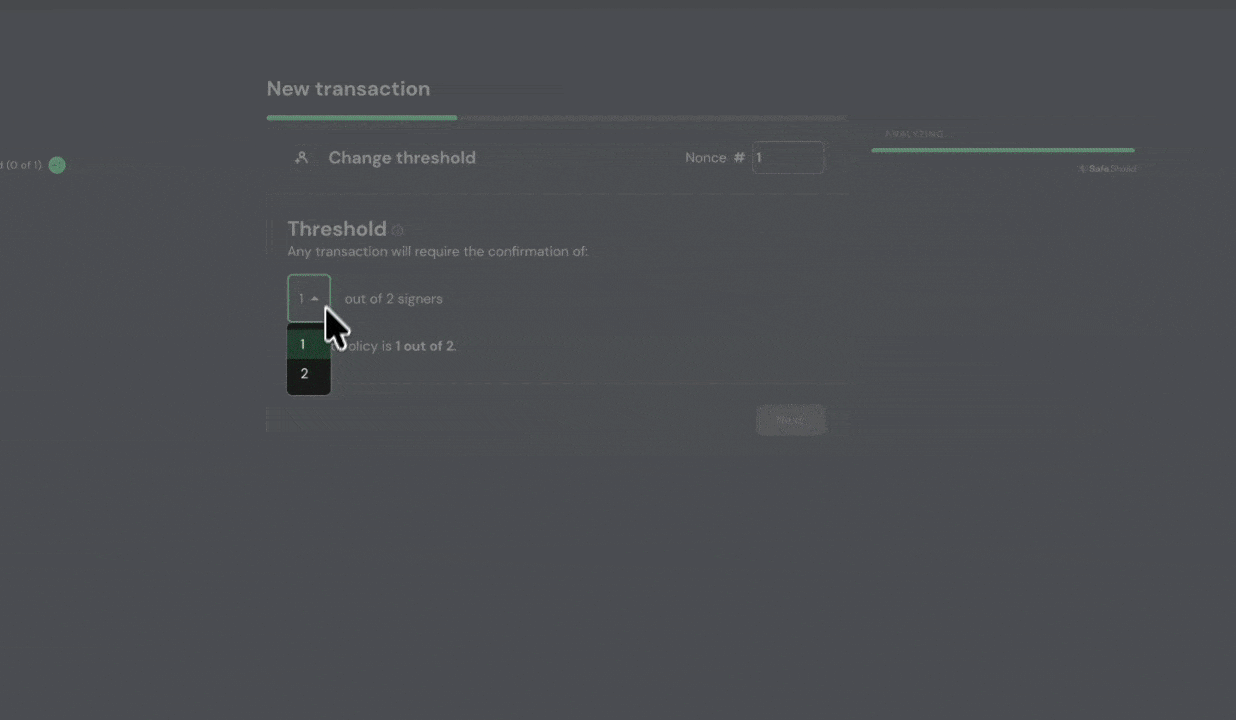
Losing one Safe signer is recoverable through ordinary settings changes only when the remaining available signers still meet the current threshold. If a 2-of-2 Safe loses one key, the other key cannot lower the threshold by itself. Safe's creation guide says assets cannot be recovered when the required confirmations are unavailable.
Count usable signers, not listed addresses
In the official Safe app, select the correct network and review Settings > Owners and Settings > Setup > Required Confirmations. Count owner wallets for which you can actually produce valid signatures. A connected wallet, Workspace membership, or ability to view the Safe is not evidence that you control an owner key. Also check whether another chain with the same address has different owners; it cannot authorize changes on this chain.
If enough owners remain
For a 2-of-3 Safe with one lost owner, the two remaining owners may propose an owner replacement in Settings > Owners and execute it after collecting the current required confirmations. Safe's owner instructions show that this is an ordinary queued transaction. Verify the replacement address and threshold before signing.
If the threshold cannot be met
There is no ordinary button that bypasses an on-chain threshold. Safe's setup guidance explains why thresholds below owner count provide resilience. Search your own legitimate backups and hardware-wallet account paths through the wallet vendor's official instructions; never enter a recovery phrase into a website or share it with a helper. If you use a separately configured recovery module, consult that module's official documentation and verify that it was installed before the loss. Do not assume one exists. For a wrong address entered at creation, see the wrong-owner checklist.
Official sources
Product interfaces and recovery policies can change. Confirm the current steps before acting.