Understand why Pay later creates a single-signer Safe and how to change owners and threshold after deployment.
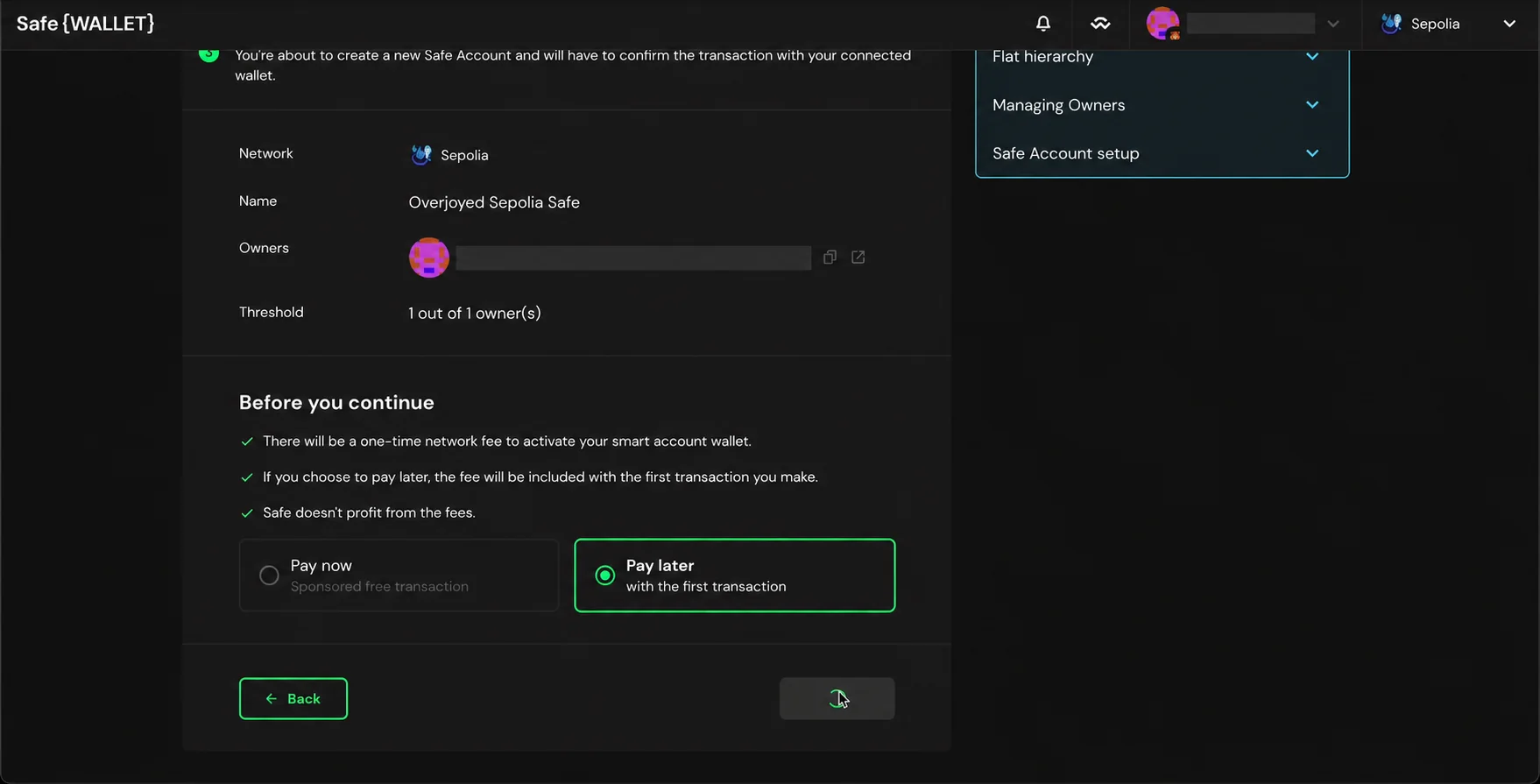
A 1-of-1 Safe can be changed to multisig if its current owner can still sign and execute settings transactions. Safe's creation guide says gasless Pay later creation requires a single signer; it does not mean the account must remain 1-of-1 forever.
Why did Pay later make a 1-of-1 Safe?
Safe currently describes Pay later as a gasless creation path limited to one signer. Pay now deploys a multisignature setup on-chain. Check the Safe's network and whether the contract is already deployed before changing settings; a reserved address is different from an active contract. Review the full owner address shown in Settings > Owners.
How to move from 1-of-1 to a multisig
Use the official owner management flow to add the intended owner addresses. Then use Settings > Setup > Required Confirmations to choose the threshold. Each settings change appears in the queue and must be confirmed and executed under the current rule. Verify the full addresses and the new threshold before execution; an incorrect threshold can lock out the account.
A practical sequence is to add and verify the extra owners first, then raise the threshold. Safe's setup guidance suggests a threshold above one for protection while generally keeping it below the total owner count for resilience. Choose based on keys you can actually recover, not just names in a team list.
If you cannot sign with the only owner
With a 1-of-1 account, losing that owner key means you cannot authorize an owner or threshold change through the ordinary Safe flow. Do not treat an email login, Workspace admin role, or a different wallet at the same address as a substitute signer. If funds are involved, stop and verify the on-chain state with official Safe support. The lost-signer threshold checklist explains how to confirm whether any authorized owners remain.
Official sources
Product interfaces and recovery policies can change. Confirm the current steps before acting.