Check whether your Safe was deployed, where it exists, and whether the intended network can use the same address before sending funds.
First, identify what actually happened
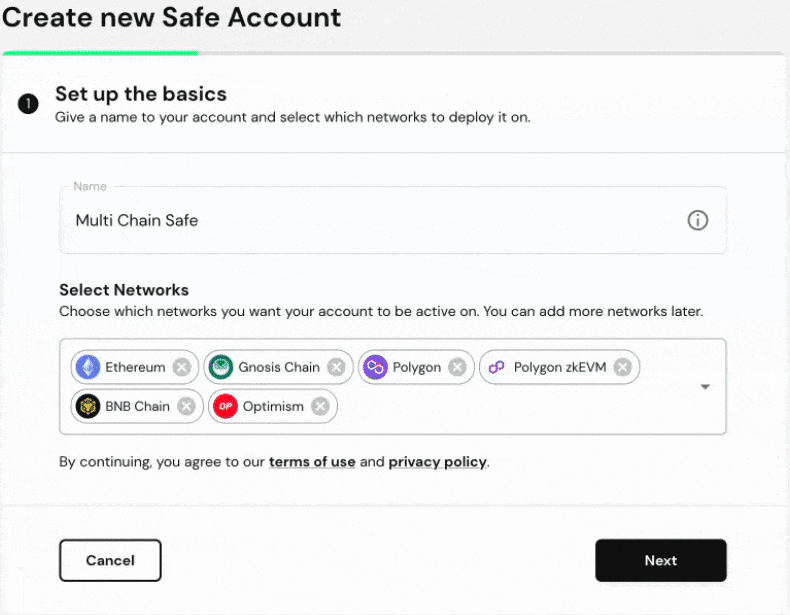
Selecting the wrong network while creating a Safe does not move that Safe or any assets to another chain. Record the Safe address, the network you selected, and the network you intended. In the official Safe{Wallet} app, inspect the network selector and account details. Then look up the same address on a public explorer for each network. The question is whether the Safe contract is deployed on a particular chain, not just whether the address appears in your sidebar.
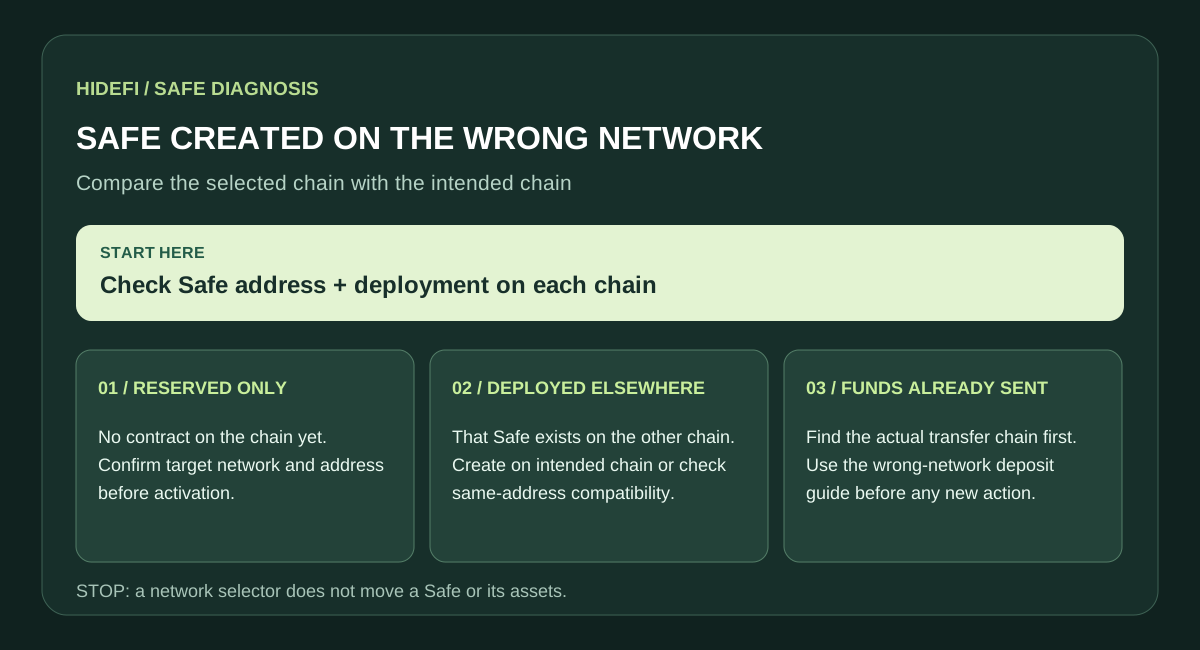
Safe's creation guide distinguishes Pay now, which deploys the account on-chain, from Pay later, which reserves an address before the first deployment. If you only reserved an address, do not treat it as a deployed receiving account.
If the Safe was deployed on the wrong chain
You now have an account on that chain. Opening a different network in the interface does not convert it into an account on the intended chain. If no assets were sent, decide whether you need a new Safe on the intended network or the same address on both networks. Safe's multi-chain guide explains that supported accounts can add networks through the network selector. Before approving a deployment, compare the target network, resulting address, owners, and confirmation threshold. Account creation or activation may require network fees.
If the same address is essential, do not assume every existing Safe can be cloned. Safe lists version, deployment-method, and network restrictions. Its guide says the feature supports contract versions 1.3.0 and later, but older master-copy deployments, some externally created Safes, and some L2 combinations may not qualify. zkSync Era cannot use this same-address multi-chain feature. Check the current compatibility notes before taking action.
If the address was reserved but not deployed
Verify the network on which you intend to activate the account and the exact address shown by Safe. A reserved address is not proof that the contract already exists on that network. Use Safe's current creation or multi-chain flow only when the desired chain and address are explicitly supported; otherwise create a new account on the correct chain and confirm its details before sharing a deposit address. Safe warns that the account should be deployed on the network where it will receive assets.
If the balance is missing after switching networks
Check the transfer hash on the sending network's explorer before changing any settings. If assets were transferred to the Safe address on another chain, this is a separate problem: use our Safe wrong-network deposit guide. Do not send a second transfer as a test until you know which chain and address received the first one.
Before you use a new address
Confirm the full Safe address, chain, current owners, and threshold in the official app and on a chain explorer. Adding a network to an existing Safe can reuse its initial owner and threshold configuration, which may differ from settings changed later on the original chain. If any detail differs, stop before depositing and check Safe's current documentation or official support. Never share signer recovery phrases or private keys with a site offering to “fix” the network.
Official sources
Product interfaces and recovery policies can change. Confirm the current steps before acting.