Compare each chain’s current owners and threshold with the original setup before signing or sending funds.
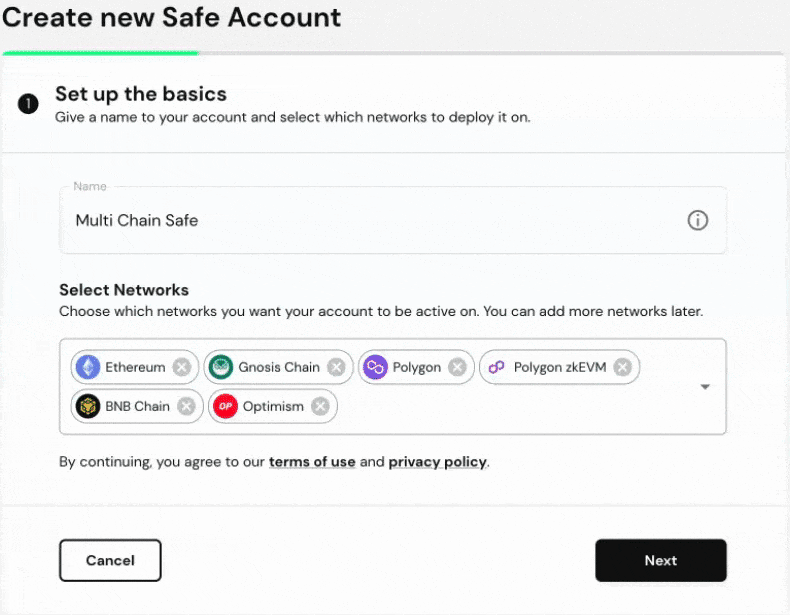
A Safe with the same address on two networks can have different owners or thresholds. Safe's multi-chain documentation says adding a network uses the account's initial owner, threshold, and module setup. Later changes to the first Safe do not automatically become the new chain's settings.
Why the signer lists differ across networks
Consider a Safe created with owners A and B and a 2-of-2 threshold. On Ethereum, the team later replaces B with C and changes the threshold. If the account is then added to Base, the new deployment may use A and B with the original threshold. The address matching across chains proves neither owner parity nor signing access.
How to check the actual owner set
- In the official Safe app, select the first network, open Settings > Owners, and record the complete addresses and Settings > Setup > Required Confirmations.
- Switch to the second network and repeat. Check each contract address on that network's explorer as a cross-check.
- Compare the signer wallets you can access against each chain's threshold. Do not assume a successful signature on one chain will authorize the other.
Safe's owner management guide shows where owner and threshold changes are proposed. Those changes enter the transaction queue and still need the current threshold before execution. They are not a cross-chain sync switch.
If the new chain has an outdated signer
If enough original owners remain available, propose an owner replacement or threshold change on that chain, verify the proposed addresses, collect its required confirmations, and execute. If the current threshold cannot be met, the app cannot simply overwrite the owner list. Stop and use Safe's official support channels; do not enter keys into a claimed recovery tool. For the related compatibility question, see why a Safe cannot add a network.
Official sources
Product interfaces and recovery policies can change. Confirm the current steps before acting.