Phantom in Brave says Failed to get assets, but mobile works? Compare the public address, check the chain balance, then isolate the extension error.
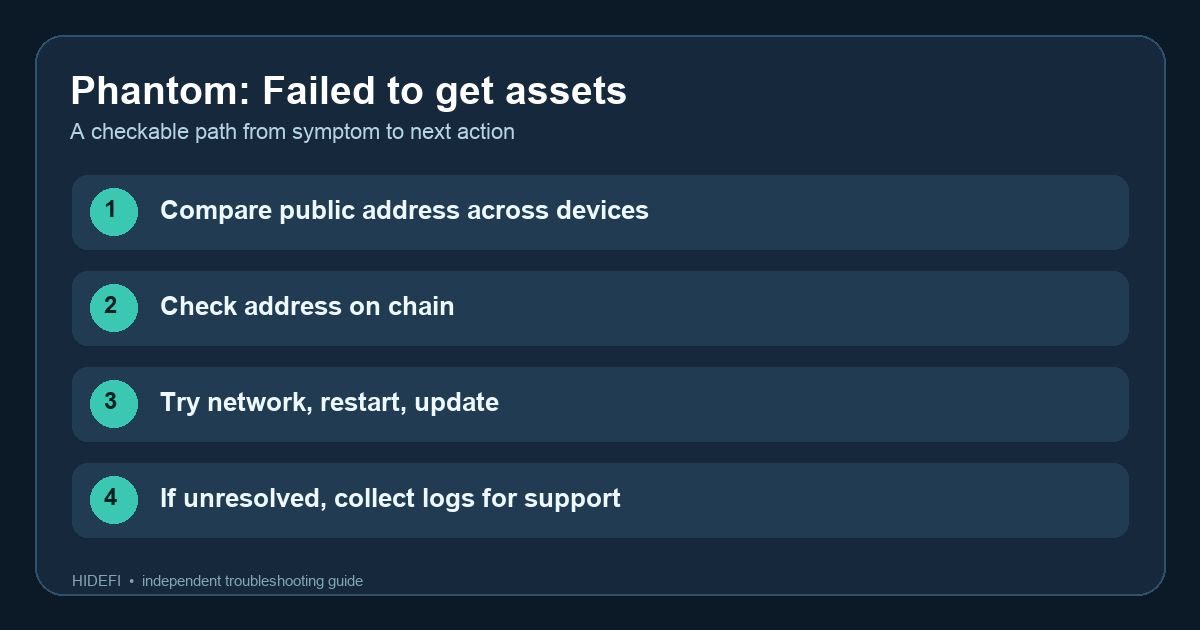
A Brave user saw “Failed to get assets” for weeks while Phantom on an iPad still worked. That difference matters: the error usually means the app could not load wallet data over its connection, not that a blockchain transaction removed the assets. Phantom describes it as a loading or internet-access problem.
Is the problem local to Brave?
Start by comparing the public wallet address for the same network on both devices. If Brave cannot display it, use an address you previously recorded; do not guess from the wallet name. If the mobile app shows the expected address and a blockchain explorer shows the assets at that same address and network, the Brave error points to a display or connection problem. If the addresses differ, troubleshoot account selection first; do not assume they are the same wallet just because both say Phantom. An explorer cannot prove the app's server is healthy, but it can answer whether the public chain balance changed.
Now try the least disruptive checks from Phantom's current guidance: confirm the computer has internet access, switch to another connection if available, restart Brave, and check for an extension update. Observe which change, if any, restores the asset list. If mobile continues to work while Brave fails on multiple networks, that is useful information for support; it is not evidence that reinstalling or resetting is required.
What should you send to support if it persists?
Phantom advises downloading app logs and contacting its official support when the error survives those checks. If the extension opens, its current log guide places Download App Logs under Settings → Security & Privacy. If it is locked, the Help menu on the login screen also has Download App Logs. Download the logs from the Brave extension where the error occurs, not just the working iPad. Record the exact error, Brave and extension versions, whether another device works, and whether a different network changed the result. 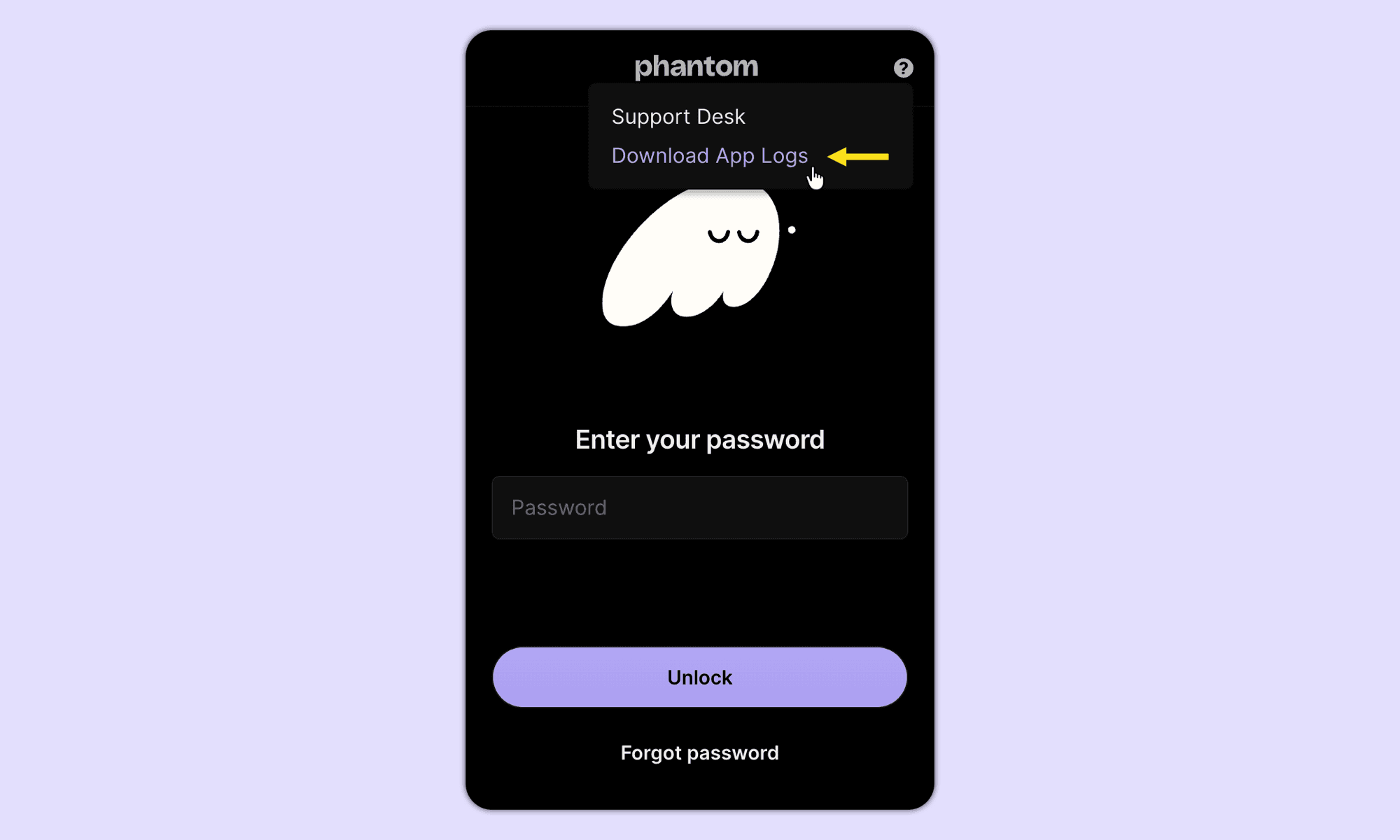
Logs can contain account or device details, so send them only through the support route opened from Phantom's genuine site or app. Do not post them publicly.
The checkable result is either the assets load again after a connection or update change, or you have narrowed the failure to one app instance and can report it accurately. Never share a recovery phrase or sign a “repair” transaction to fix a loading error.
Official sources
Product interfaces and recovery policies can change. Confirm the current steps before acting.