Verify Polygon’s RPC and chain ID before retrying MetaMask’s Save button. Separate mainnet settings, endpoint access and a connection that still fails.
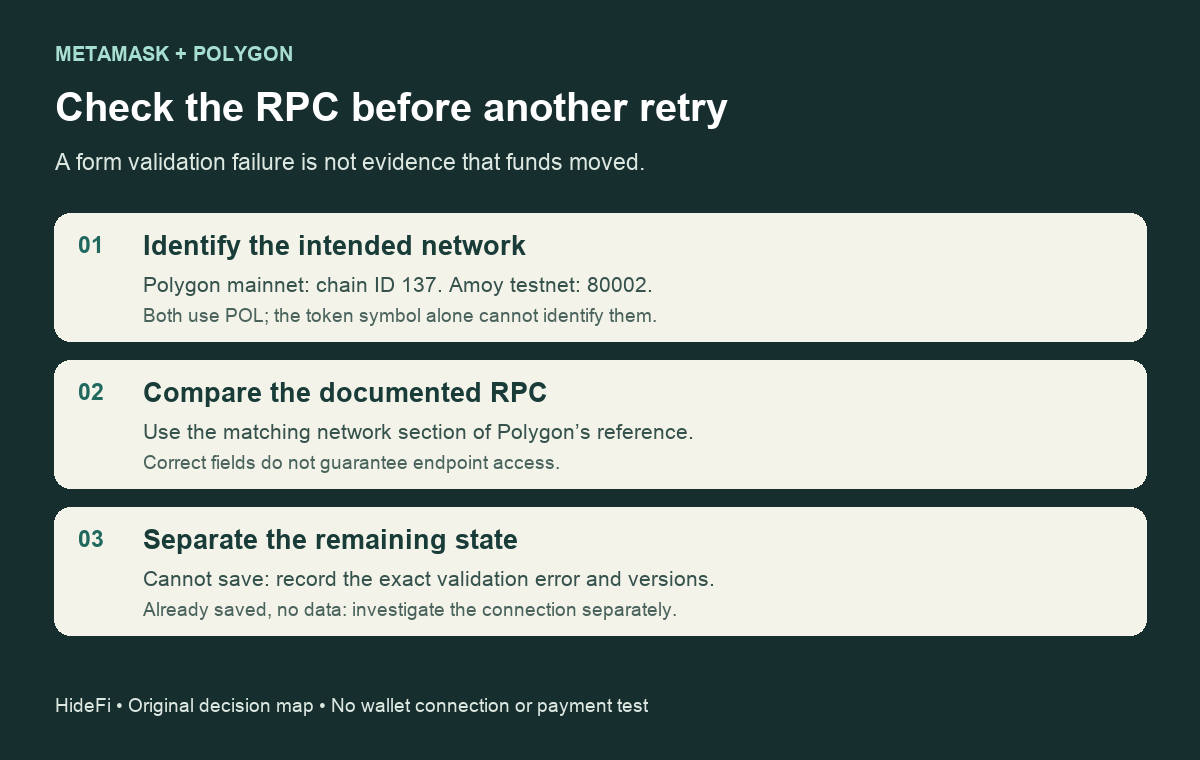
If MetaMask says “Could not fetch chain ID” while you save a Polygon RPC, verify the endpoint and network together before treating it as a balance problem. Polygon mainnet uses chain ID 137 and the gas symbol POL. A correctly typed number does not make an unreachable server respond.
In a historical MetaMask discussion, a user described the exact error preventing them from saving an RPC. Their reported version was 13.34.1, with failures in Brave and Firefox. Another participant later reported success with a different endpoint. That is useful evidence of the symptom, but it does not establish one cause or a fix for every current installation.
Compare Polygon mainnet with Amoy first
Open Polygon’s current RPC reference and use the mainnet section when your task concerns Polygon mainnet. On November 12, 2026, that section listed:
| Field | Polygon mainnet | Amoy testnet |
|---|---|---|
| Chain ID | 137 | 80002 |
| Gas symbol | POL | POL |
| Documented RPC | Mainnet RPC | Amoy RPC |
| Explorer | Polygonscan | Amoy explorer |
The matching gas symbol is not enough to identify the network. A testnet endpoint and mainnet chain ID are different settings even when both screens say POL. These values come from Polygon’s documentation, not a successful wallet connection HideFi tested. Recheck the reference before using them.
An endpoint remembered from an older tutorial is worth comparing with the current reference. Its absence from the current table does not, by itself, prove that it is offline or caused your error.
Edit the existing network, rather than guessing a new chain
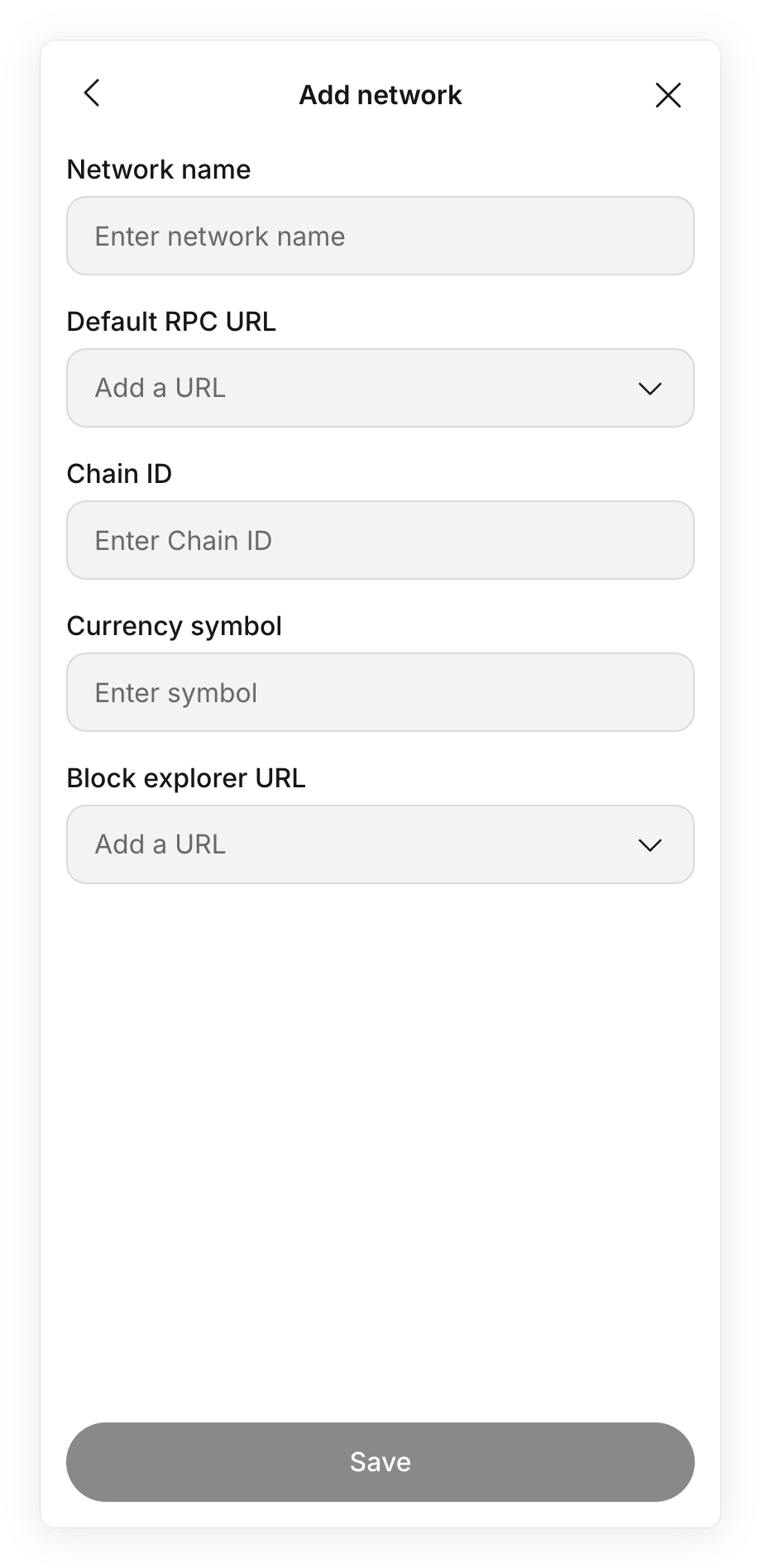
MetaMask’s current guide lists Polygon as a supported network. First check the network list. For an existing entry, the extension’s route is All networks → Manage networks → the network’s three-dot menu → Edit. The Default RPC URL dropdown offers Add RPC URL. That keeps the task focused on the existing network’s connection.
The official example below shows why the RPC URL and chain ID must be checked separately. It is a blank manual-network form, not a Polygon error capture or an instruction to create another Polygon entry.
RPC servers supply blockchain data. Choose an operator you trust: changing the server changes who receives your network requests. MetaMask also warns that custom RPCs on certain other networks disable Smart Transaction capabilities; do not apply a Polygon troubleshooting step indiscriminately to every network.
If the fields match but the error remains
Polygon’s reference says public RPCs may have rate limits or traffic restrictions. A failed request from one connection does not establish a network-wide outage. Record the exact error, installed MetaMask/browser versions and which documented endpoint you tried, then use official MetaMask support. The historical forum case is not a reason to reinstall the wallet, enter a recovery phrase, or assume a particular browser is the cure.
If the network already saves but MetaMask cannot load data, use the separate blockchain-host connection checks. This page concerns the earlier RPC-validation stage. Neither message proves that funds moved, and sending a payment is not a test for whether an RPC form can be saved.
Official sources
Product interfaces and recovery policies can change. Confirm the current steps before acting.