Received a Ledger firmware update email? Check Ledger’s current warning, avoid the message link, and report it through a separately opened official page.
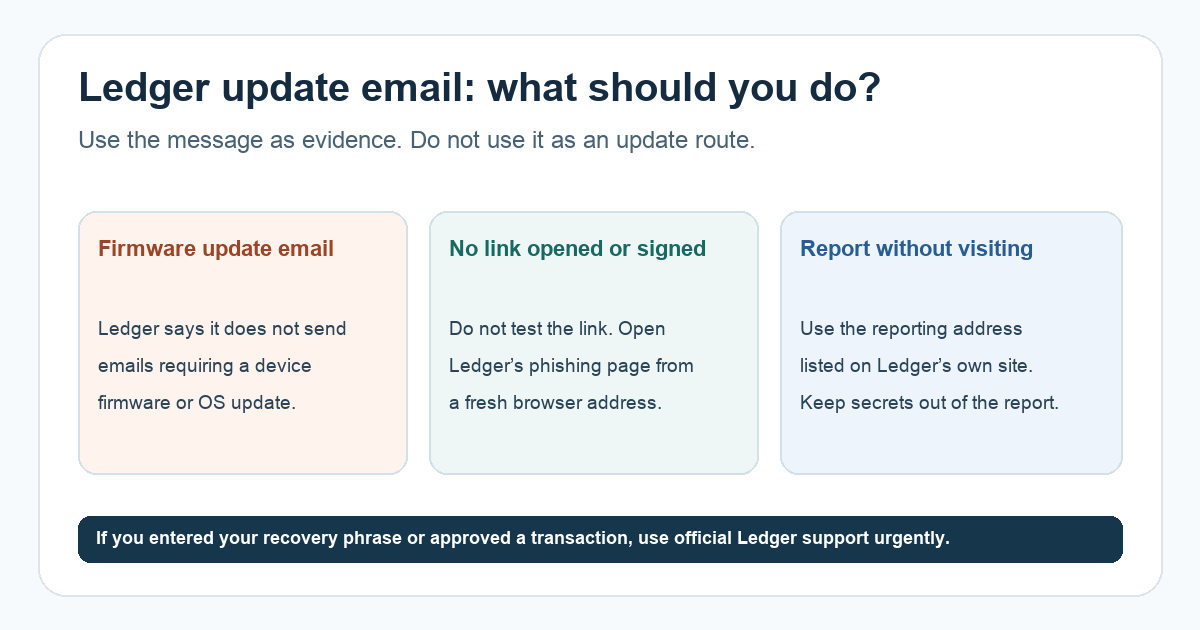
A Ledger user received an “update” email and asked two practical questions: was it fake, and how could they report the link without opening it? The first check is unusually clear. Ledger says it does send some marketing email, but does not email customers asking them to update device firmware or the operating system. Treat an email directing you to a firmware-update link as a phishing attempt, even if its logo or formatting looks convincing.
Can the email itself update or disable my Ledger?
No email in your inbox can update the device by itself. Receiving a suspicious message is different from entering your recovery phrase, installing a fake app, or approving a transaction. Ledger also says it cannot deactivate a device remotely. That is why an urgent “update now or your wallet will be blocked” demand is a warning sign, not a reason to rush. Ledger’s current phishing page describes those tactics.
This is an illustrative check, not a test of any reader's email: imagine you open your inbox and see a deadline plus a large Update button. Instead of trying to prove the button is malicious by visiting it, leave the message untouched and compare its request with Ledger's policy on a fresh browser tab. A sender name that merely says “Ledger” is not proof of where the link goes, and a familiar-looking address alone is not enough to make a forced update request legitimate.
How do you report it without clicking the link?
Open a new browser tab and type ledger.com yourself. Navigate to Ledger’s ongoing phishing campaigns page, then find “Want to help us or report a phishing campaign?” near the bottom. Ledger lists a dedicated phishing reporting address there. You can describe the email, its sender, subject and date, and include the original suspicious message if your mail service allows it. You do not need to visit the link in the email to report the attempt. Do not put your 24-word recovery phrase, private keys, or account passwords in a report.
Your mail provider’s Report phishing control is another way to flag the message. Ledger’s page also links to Google Safe Browsing for reporting an illegal site, but a URL is useful only if you can obtain it without opening the destination. If you cannot confidently copy the link address without visiting it, skip that separate site report; sending the email to Ledger is still an available route. Ledger says it reviews reports but does not normally send an individual reply, so use official Ledger Support if you need a response.
What if you already interacted with the message?
The next action depends on what you did, not just whether the email arrived. If you only read it, report or delete it and do not follow its instructions. If you opened a site or downloaded something, stop using that page or app and contact Ledger Support from a fresh visit to its official site. If you entered your recovery phrase anywhere outside the device or approved a transaction you did not initiate, treat it as urgent: Ledger warns that anyone with the phrase can control the accounts it protects, and says to reject unauthorized device prompts. Seek official support immediately; a report email alone does not secure a compromised phrase or reverse a signed transfer.
For a real device update, start from your own known Ledger app or the download route on ledger.com, never from an unexpected email. The safe result here is simple: identify the request against Ledger’s published policy, report through the site you opened independently, and contact official support whenever an interaction may have exposed a secret, signature, or device.
Official sources
Product interfaces and recovery policies can change. Confirm the current steps before acting.