Separate a pending Jupiter Predict order, a filled position and delayed totals before repeating a request or assuming a close or refund completed.
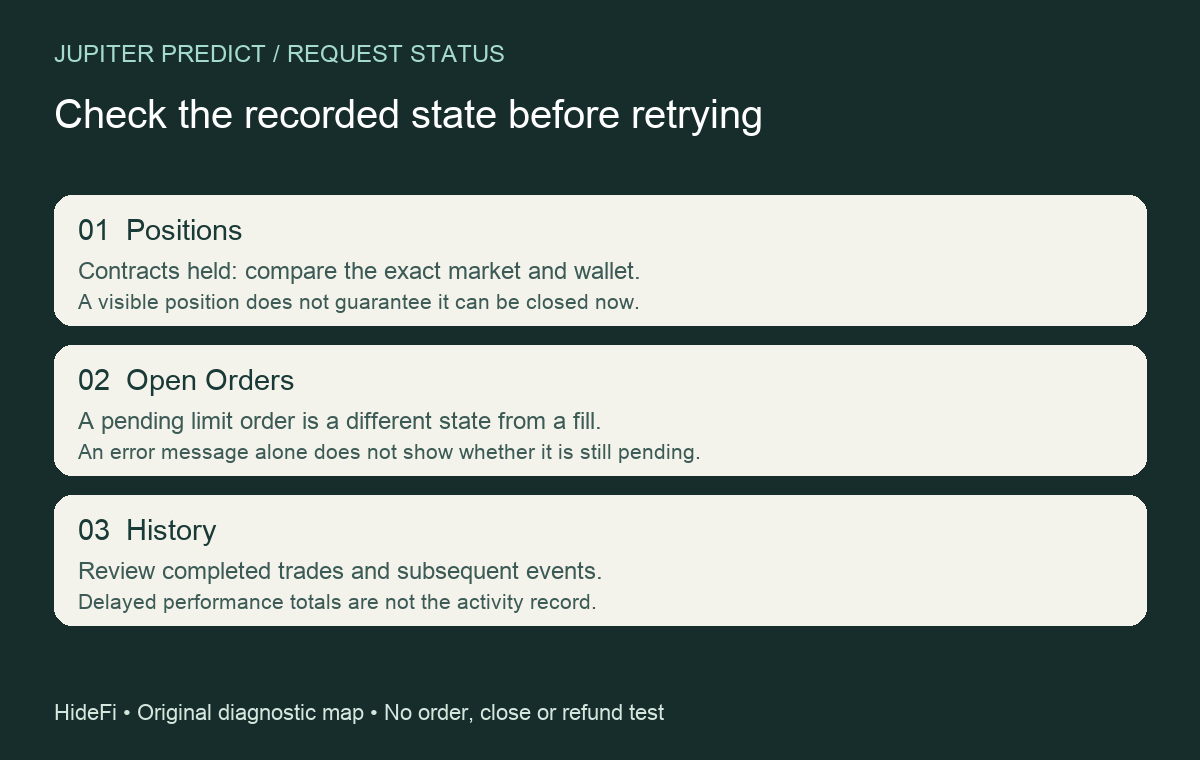
If Jupiter Predict reports a failed order and you cannot tell whether it went through, check its recorded state before submitting another request. A waiting order, a filled position and a completed trade are different states. An error toast cannot distinguish them.
A historical user discussion describes failed orders, uncertainty over submission and failed attempts to close positions. A support reply mentions an earlier Polymarket API incident. That does not establish a current outage or the result of your request.
Check the activity lists, not just the totals
Jupiter's current profile guide distinguishes Positions, Open Orders and History. In the official app you already use, compare the same wallet and exact market:
- Positions: contracts held, including outcomes awaiting a claim or reflected as refunded.
- Open Orders: limit orders still waiting to fill.
- History: completed trades and later settlements, claims or refunds.
Preserve the wording and time shown. An open order is not a completed purchase; a visible position does not prove a close succeeded. The separate Combos tab tracks combos, which are outside these single-market checks.
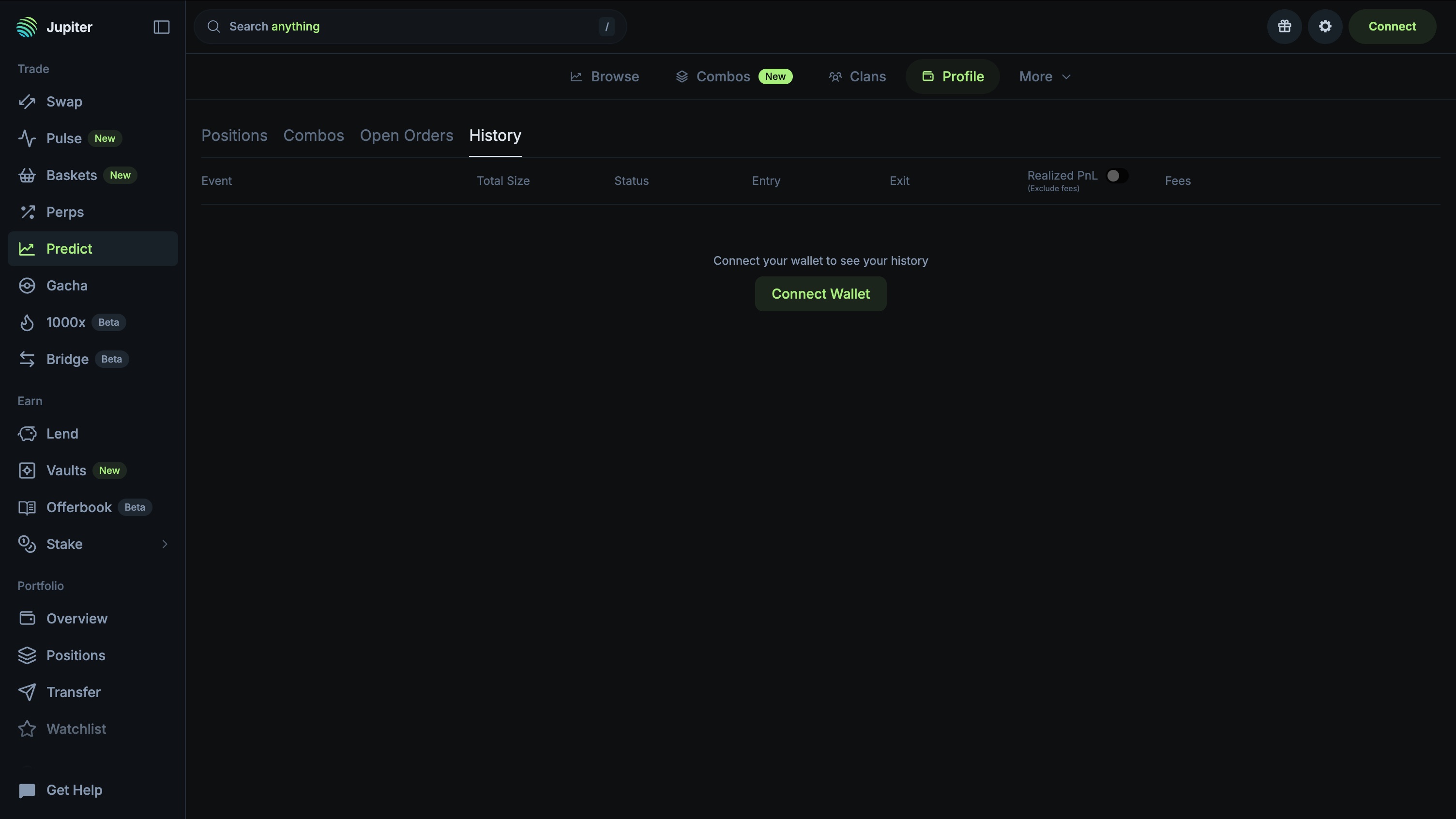
Realized profit and loss, win rate and volume use snapshots every few hours. Those figures are separate from the activity lists; delayed totals alone do not establish a missing request.
A quote is not proof that an order filled
The order mechanics reference explains that changed prices or liquidity can prevent full execution. A market order may fail or fill partly. Unused funds return when the order closes; an error does not prove that closing step or a refund completed.
If the lists do not explain what happened, stop at that uncertainty. Record the market, approximate request time, app/browser version and nonsecret error for official support. Repeating a request can create another order; it is not a way to discover the earlier result.
A position that cannot close needs a different check
Check the market's state and type. Jupiter documents that closed markets no longer trade and sports ticket markets cannot be sold early. Low liquidity or an unavailable route can also prevent a close. A visible position does not guarantee an immediate exit.
These are state checks, not instructions to buy, sell, cancel or claim. Use the official Support Hub if the recorded state remains inconsistent. HideFi inspected only the disconnected public Profile interface; no wallet, order or refund was tested. Never share recovery words or private keys with someone offering to fix the display.
If your screen is Jupiter's token Limit product rather than Predict, use the separate Limit V2 order-state checks. Those token orders use a different workflow.
Official sources
Product interfaces and recovery policies can change. Confirm the current steps before acting.