Compare coin quantities, wallet sections and account records to distinguish a changed Binance estimate from an unexplained balance discrepancy after the hack.
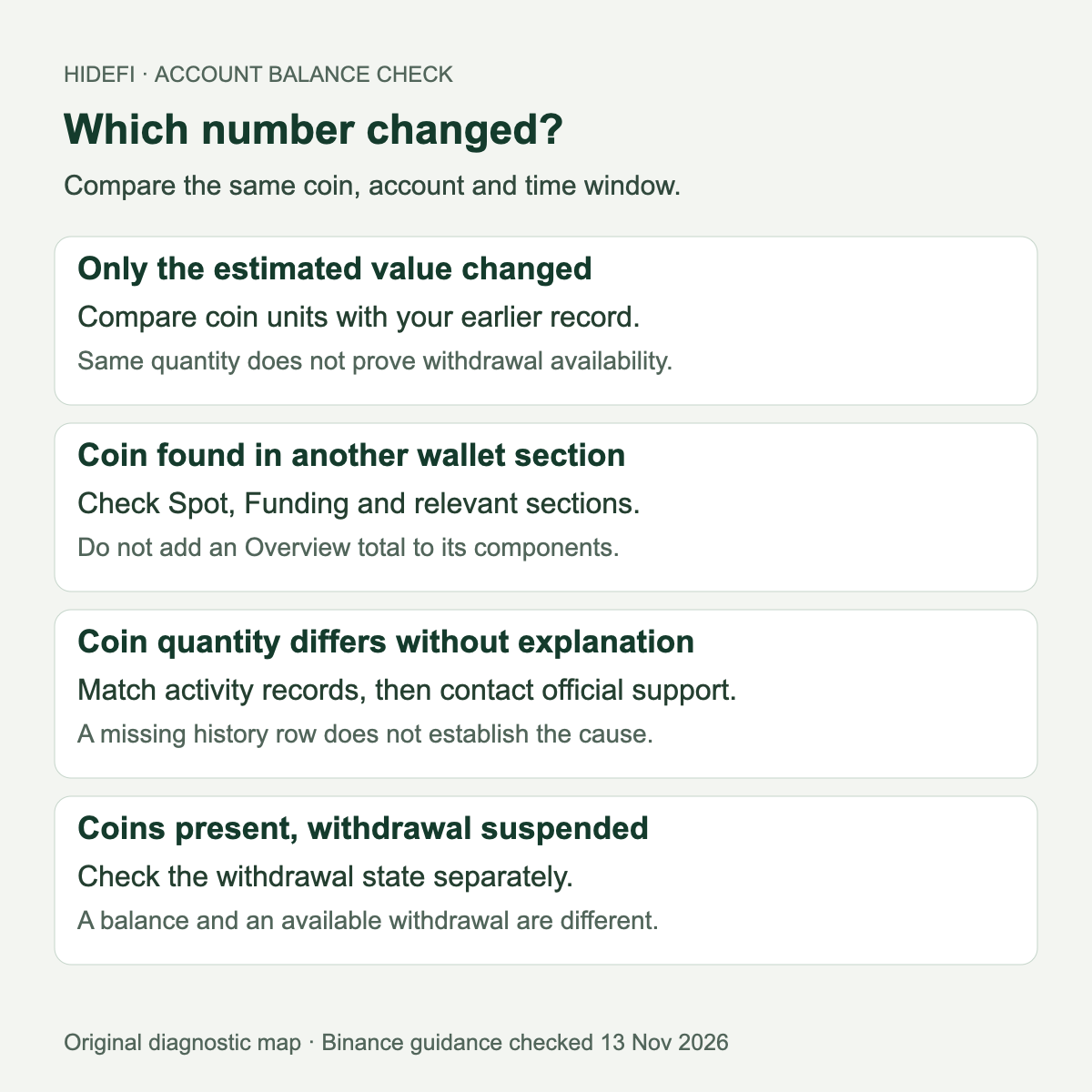
If your Binance balance looks wrong after the hack, first compare the number of coins with your own earlier records. A lower estimated value and fewer coins are different findings. An unexplained quantity change needs an account investigation; a reserve announcement cannot explain that change for you.
A public account of a disappearing and returning balance illustrates the uncertainty. It does not establish what caused the display or prove that another account has the same problem. The useful next step is to identify exactly which number changed.
Is the estimate lower, or are there fewer coins?
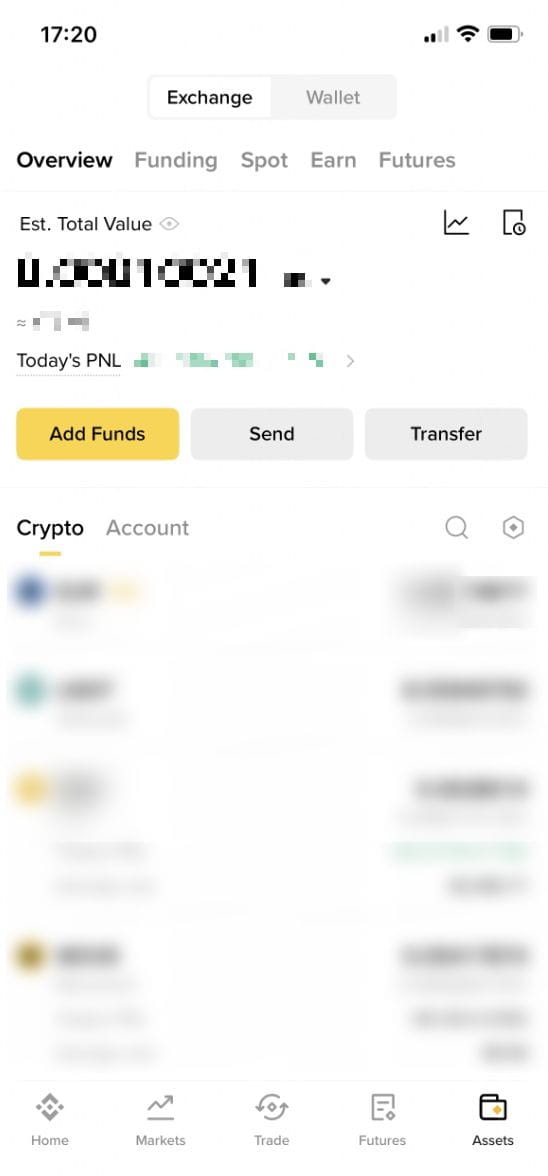
In the app, open Assets → Overview. The top figure is an estimate; the Crypto tab lists individual asset balances. Binance’s balance tutorial also shows the eye icon used to hide or reveal the total. Hidden figures are not evidence that assets have gone.
Illustrative comparison: an account still showing 2 units of a coin has the same quantity even if its estimated dollar value fell. Binance’s Spot account explanation explicitly recommends comparing the coin amount rather than the fiat valuation. That comparison does not establish whether the assets can currently be withdrawn.
Is the asset in another account section?
Compare like with like: the same coin, account and wallet section, across the same time window. Check the relevant Spot, Funding or other section before concluding that an Overview figure and a Spot figure should match. An Overview total and its component wallets are not separate holdings to add together.
The balance tutorial explains that P2P, Pay, Giftcard and Pool receipts go to Funding. Finding the expected quantity there can explain why it was absent from Spot. You do not need to move it merely to establish where it is recorded.
What explains a genuine quantity difference?
Review the asset’s activity and the relevant deposit, withdrawal, conversion, trade and transfer records. Match the time window and account section to your earlier record. An entry may explain a change, but its presence does not prove that you authorized it.
A blank recent-history view is not a complete account audit. The Spot activity guide describes limits on visible history and missing records for some products. Use the appropriate official transaction statement guidance when the displayed records do not cover the period or product. Keep exported files private.
If the quantity still differs without an explanation, contact Binance Support through the official app or site. Supply the coin, relevant account section, expected and displayed quantities, time window and associated records privately. An unfamiliar action also warrants immediate support review. Neither a forum reply nor this guide can establish the cause or reverse it.
Does the latest recovery notice settle my balance issue?
Binance’s current coverage notice, checked November 13, says affected assets are covered and withdrawals are reopening in phases. It separately describes a November 12 reserve snapshot and subsequent proof generation. Those statements do not resolve an individual account discrepancy.
A dated reserve assessment also has limits between snapshots and for off-chain liabilities. It is not a live account-history entry or a guarantee of solvency.
If the coins are present but a withdrawal is suspended, use the withdrawal-specific checks. If an incoming deposit never credited, use the deposit-specific checks. Questions about the company’s coverage statement belong in the separate hack-loss coverage guide. HideFi has not accessed a customer account or tested a transfer or withdrawal.
Official sources
Product interfaces and recovery policies can change. Confirm the current steps before acting.